Best Video Assembly API Tools in 2026, Ranked for Motion Work
A video assembly API turns a described timeline into a rendered file. Here are the seven worth shortlisting in 2026, ranked by what they hand back and what they leave for you.
A video assembly API takes a description of a timeline and hands back a rendered file. You post clips, stills, an audio track, caption positions, and an aspect ratio. The service composes them and returns an MP4. No editor open, no render farm to babysit, no one dragging layers at 11pm because the client wanted forty variants of the same spot.
What most roundups skip is the way out. An assembly API returns a baked file, so every note after the render costs a full round trip. If your work is caption heavy or reviewed by a human with taste, you need to know which tools hand back structure and which only hand back pixels. That is the lens here.
The list at a glance
- Wireflow. Best for assembling clips you also have to generate, since the models and the composition live in one graph.
- Shotstack. Best for JSON timeline rendering at volume.
- Creatomate. Best for template driven social cutdowns with a credit based bill.
- Plainly Videos. Best for teams that already own After Effects projects.
- Cloudinary. Best for derivative sizes and format transforms once a master exists.
- api.video. Best when hosting, playback, and transcripts matter as much as the render.
- Self hosted FFmpeg. Best for predictable cost when you control the box.
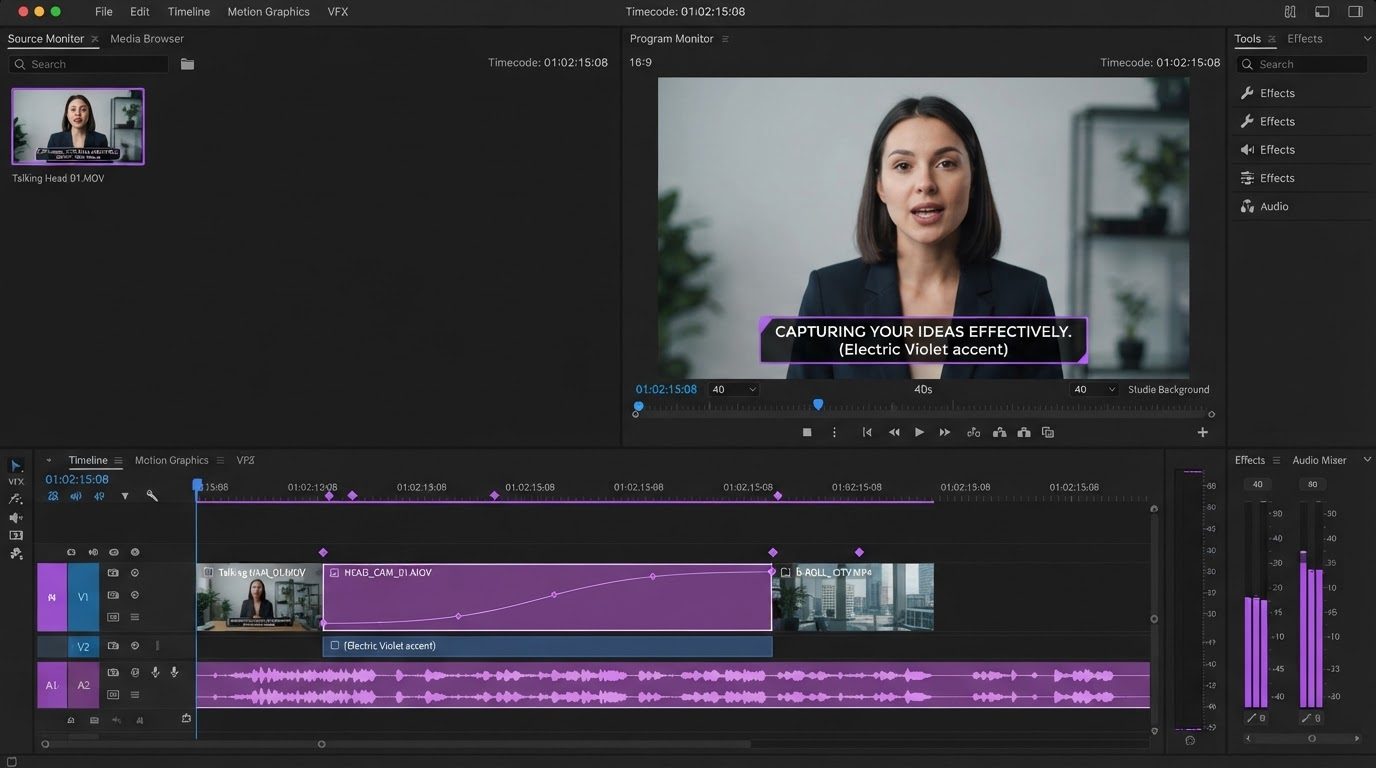
Quick answer:
- For assembling clips you also have to generate, use Wireflow. For pure timeline to file rendering, Shotstack is the cleanest contract at roughly $0.20 to $0.40 per rendered minute.
- Template tools (Creatomate, Plainly) ship faster when every video is the same shape with different data, and slower when the shape changes weekly.
- All seven return a flat file. Plan a second stage where a human can retime, fix a caption, or swap a track.
What "assembly" means, and what it does not
Assembly is composition: cut, stack, position, overlay, mix, export. It is not generation (making the footage), not hosting (serving it), and not editing (changing it after review). Three questions sort the field fast:
- What is the input contract? A JSON timeline, a template with data fields, an After Effects project, or a graph you build visually.
- What comes back? An MP4 URL, a set of renditions, or a structure you can reopen.
- Where does the cost land? Per render minute, per credit, or per GPU hour you provision.
The seven tools, ranked
1. Wireflow
Wireflow is a node canvas where each node is a step (a prompt, a model call, a clip, an overlay, an audio mix) and the finished graph can be called over REST. That matters for assembly work because generation and composition stop being two vendors with two bills and two failure modes. Build one graph, run it once by hand, then point your queue at it. Verdict: best when the source clips do not exist yet and have to be produced as part of the job.
2. Shotstack
Shotstack is the most honest developer contract in the category. You send JSON describing tracks, clips, offsets, transitions, text overlays, audio, and output resolution. It renders in the cloud and calls your webhook when the file is ready. Pricing is per rendered minute, roughly $0.40 pay as you go and around $0.20 on a subscription.
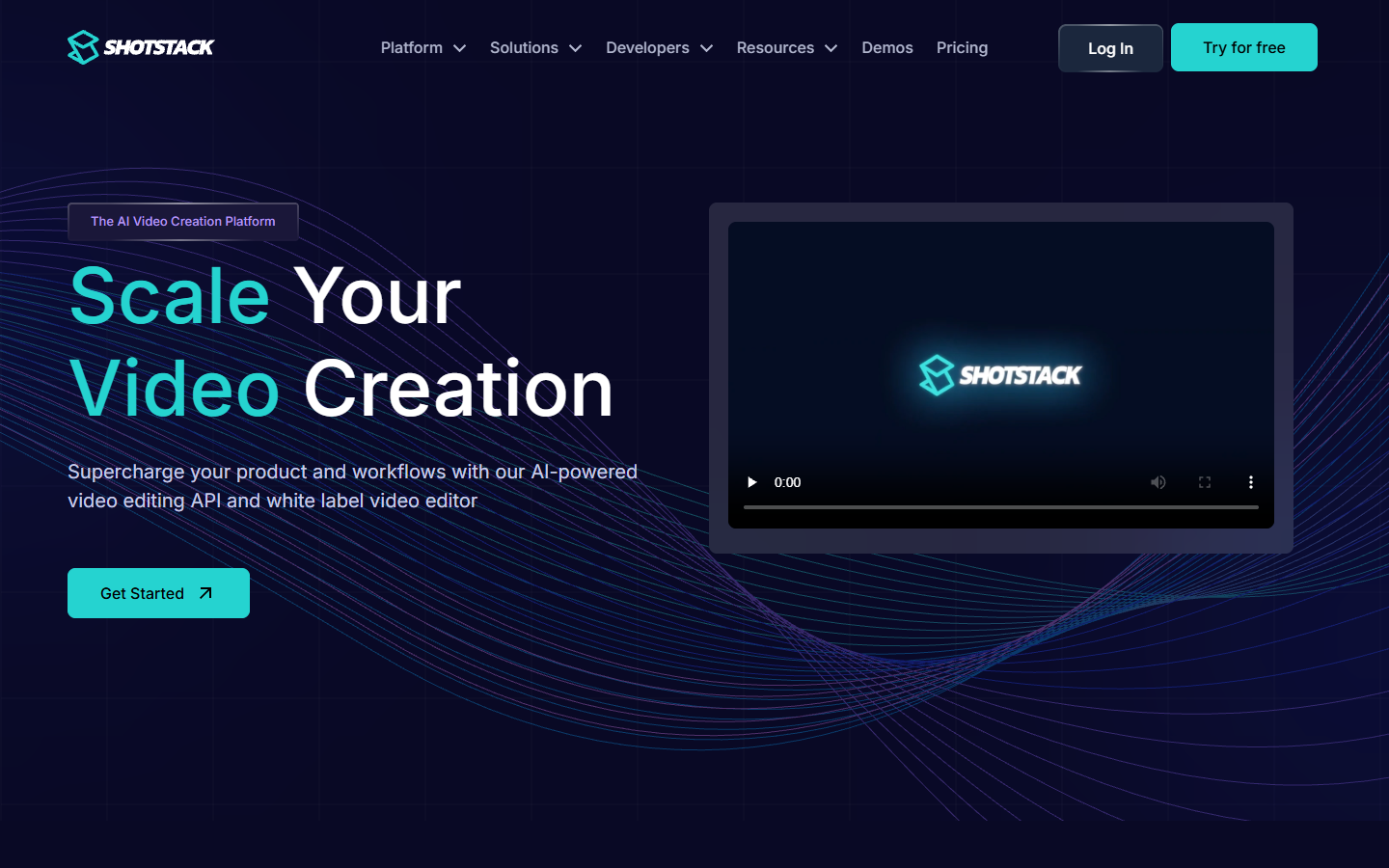
The tradeoff is that the timeline only exists in your JSON. If a reviewer wants the lower third moved up 40 pixels, you edit code and re render. Verdict: best for high volume timeline rendering.
3. Creatomate
Creatomate starts from a template you design in their editor, then swaps text, images, and clips per API call. Short social renders come back in seconds, billed by credit rather than per minute. Good fit for the case where every video is the same layout with different data.
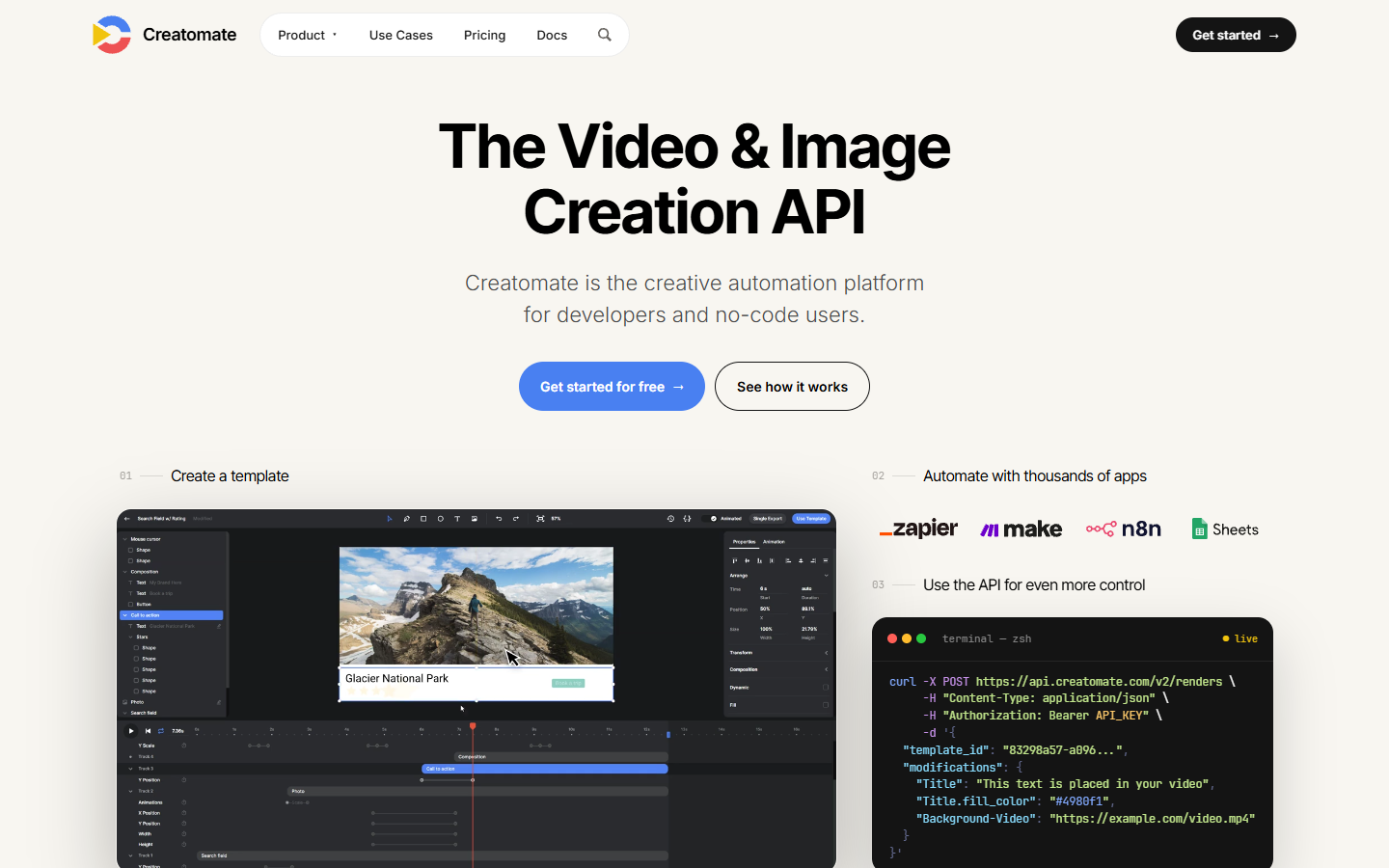
If your layout changes every campaign, template maintenance becomes the work, and you end up managing a template library instead of a render pipeline. Verdict: best for template driven social video at steady shapes.
4. Plainly Videos
Plainly renders real After Effects projects from data. Upload the project, mark which layers are dynamic, post values. Plans start around $69 per month. For studios with an existing motion library, this is the shortest path from "we already made this" to "it renders on its own."
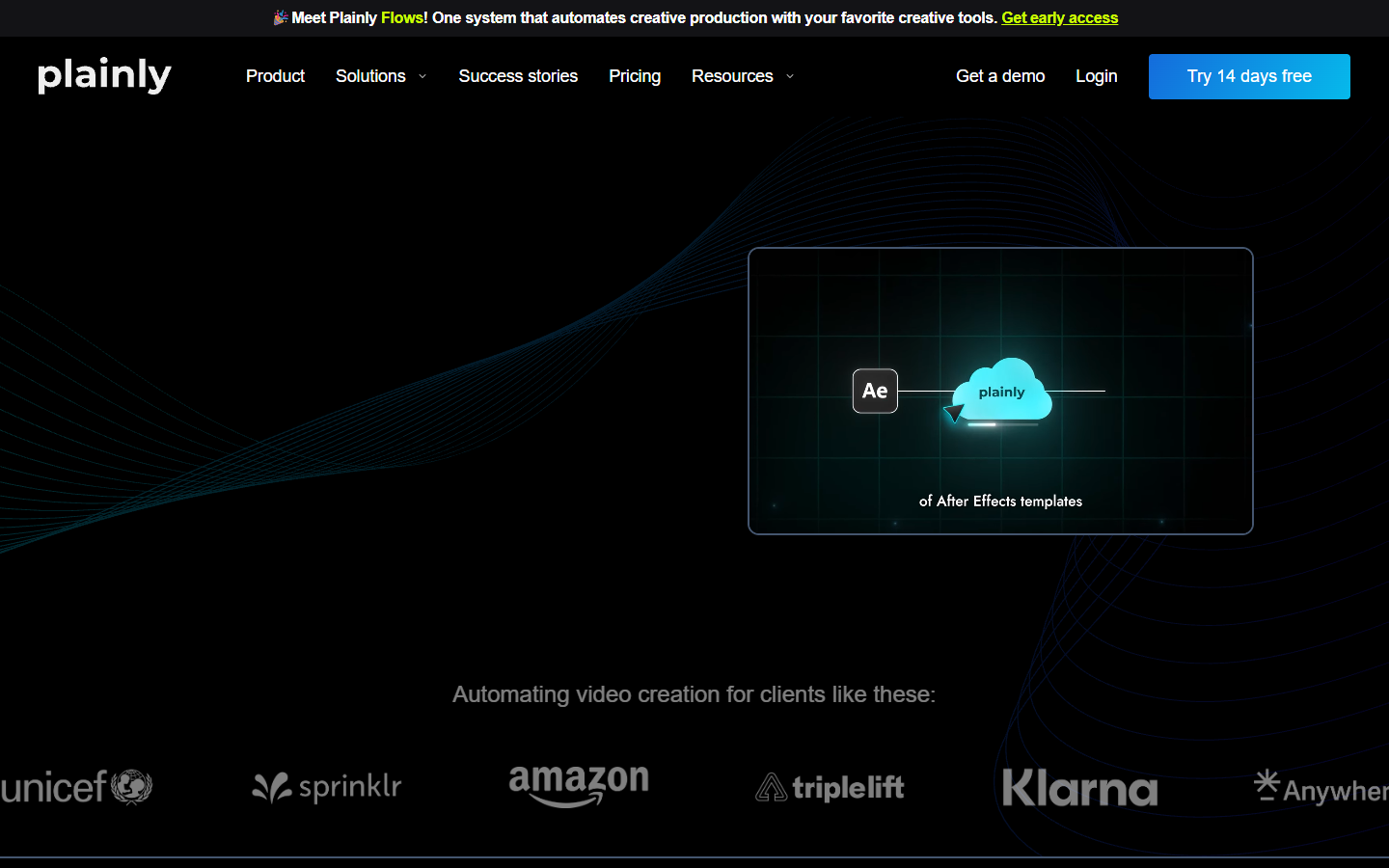
The dependency is the point and the risk. Changing anything meaningful needs After Effects skills, and project quirks (expressions, missing fonts, nested precomps) surface as render failures rather than editor warnings. Verdict: best for After Effects heavy teams.
5. Cloudinary
Cloudinary is a media pipeline more than an assembly engine. It concatenates, trims, overlays, and transcodes through URL parameters, which is good for derivatives and poor for authored motion. Paid plans start around $99 per month. Use it after the master exists, when you need a 1:1 crop, a 9:16 cut, and a poster frame from one source.
Verdict: best for format and size derivatives, not for building the edit.
6. api.video
api.video handles upload, transcode, playback, and side outputs like transcripts and summaries. Assembly is thin, so pair it with something from the top of this list. It earns a slot because many "video API" projects are really hosting projects in an editing costume.
Verdict: best when delivery and transcripts matter as much as composition. Transcripts are also the cheapest first draft of your captions, and the timing can be fixed later with a subtitle workflow that shows the words on a real track.
7. Self hosted FFmpeg
FFmpeg on your own worker is free per render and expensive per engineer. You control codecs, filters, fonts, and concurrency, and you own every crash at 3am. Run it when volume makes per minute pricing hurt, when compliance says the media cannot leave your network, or when you need a filter no vendor exposes. Verdict: best for predictable cost at volume.
How to wire an assembly API into a motion pipeline
Build the assembly step before you build the client around it. The sequence that wastes the least time:
Cut one video by hand first. Whatever you cannot describe in a timeline, you cannot describe in JSON. Write down every layer, offset, and easing decision. That document is your payload schema.
Generate the missing footage where you compose it. Keep the model calls and the composition in one graph so a bad clip is one node to swap, not a second integration to debug. For a step by step look at how each of these services composes clips, images, audio, and text overlays programmatically, this comparison of video assembly APIs and the pipelines they fit walks the same decision from the developer side.
Render one, review, then queue. One bad font fallback multiplied by 400 renders is an expensive typo.
Keep the derivative step separate. Master render in one service, crops and formats in another, so a 9:16 request does not re run generation.
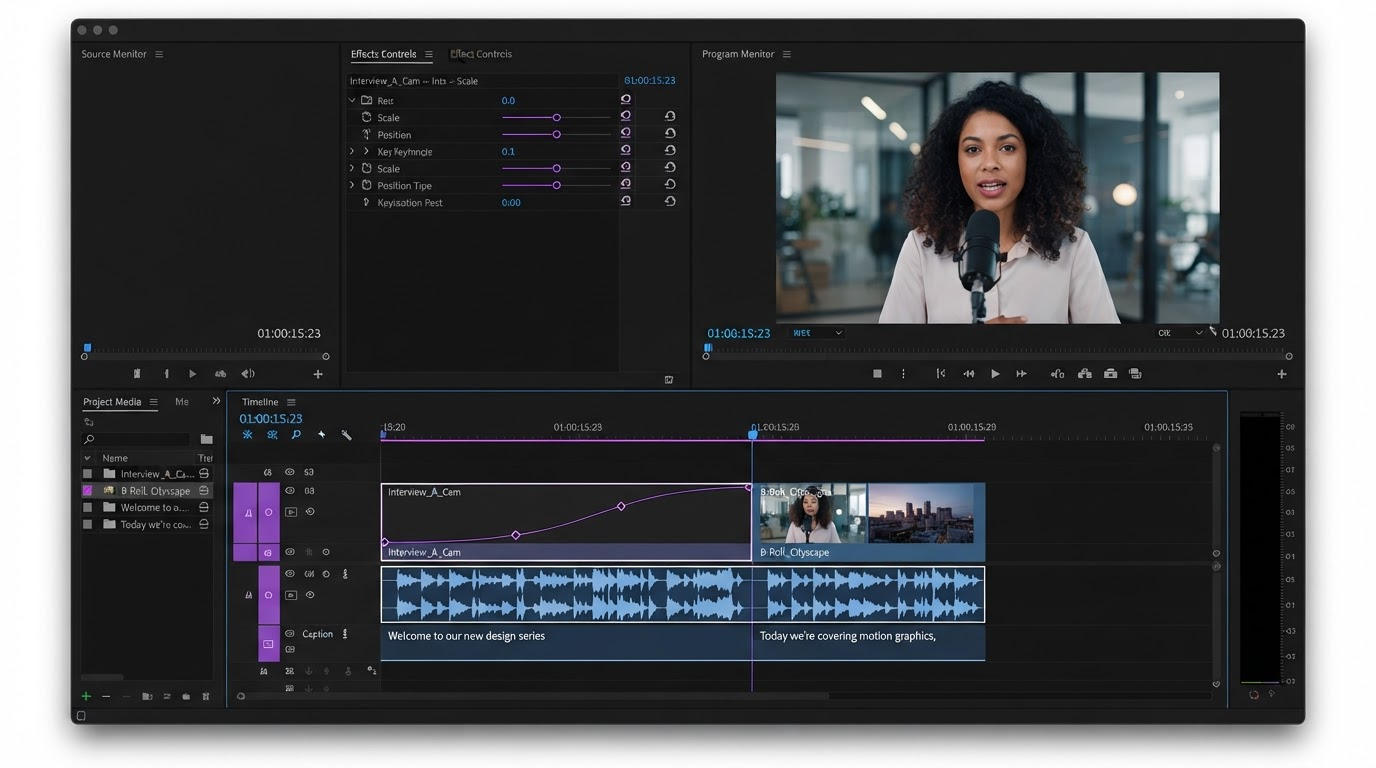
Finish in a timeline, not in a ticket. Assembly gives you ninety percent. The last ten is retiming, a caption colliding with a logo, a track swapped after legal reads it.
That final pass is worth designing for. Doing it in a browser where the client can watch beats a round trip through your render queue, and editing the same project with your team in one tab usually ends the review faster than another API call.
Costs, retries, and the parts nobody documents
Per minute pricing is the sticker, not the bill. Four things move the real number:
- Failed renders. Vendors rarely charge for a hard failure, but they do charge for the successful render of a wrong payload. Validate before you post.
- Retries and idempotency. These APIs are asynchronous. Send an idempotency key, or a webhook timeout becomes two renders and two charges.
- Duration creep. A 45 second cut that becomes 62 seconds after voiceover is a 38 percent cost increase per variant, at scale.
- Derivatives. Ten formats from one master is eleven renders unless a transform layer handles the ten.
The line item on no pricing page is the human pass. Teams batching vertical cuts for short form feeds standardize caption and safe area rules first, then automate the render.
Frequently asked questions
What is a video assembly API?
It is an API that composes existing media into a finished video. You describe a timeline (clips, images, audio, text, transitions, output size), the service renders it on its hardware, and you get a file or URL back. It is distinct from a generation API, which creates footage, and a hosting API, which serves it.
Which video assembly API is cheapest?
Self hosted FFmpeg is cheapest per render and most expensive per engineer hour. Among hosted options, Shotstack's per minute model is easiest to forecast at roughly $0.20 to $0.40 per rendered minute, while credit based tools like Creatomate can be cheaper for short clips and pricier for long ones. Model your average duration before comparing plans.
Can I edit the video after the API renders it?
Not inside the API. You get a flat file, so changes mean a new payload and a new render. Treat the API output as a master and do the last pass in an editor that accepts the file and still shows layers and keyframes. That is how you fix one caption without re rendering the batch.
How do I handle multiple aspect ratios?
Render one master at the highest resolution you need, then produce crops and formats in a transform layer instead of re rendering. Decide safe areas up front so text never lands under a platform UI element, since a centered composition rarely survives a crop. The same applies to short loops you want as a GIF for a landing page or a reply.
Bottom line
Pick the input contract that matches your work, not the longest feature list. If your clips already exist and the shape is stable, Shotstack or a template tool ships this week. If the footage has to be produced as part of the job, keep generation and composition in one graph. Either way, leave room for the pass that always comes after the render, because the note you cannot predict decides whether the pipeline felt fast or felt like a wall.
Founder of Motionbox and Gluely. Building tools for creators.