Best Free AI Video Generators in 2026, and What to Do With the Clips
Free AI video generators hand you clips, not videos. Here is what each 2026 free tier actually gives you, and the editing work that turns five second generations into something you can publish.
The free tier question changed in 2026. Two years ago free meant a soft four second loop with a logo burned into the corner. Now you can pull 1080p out of Google Veo 3 in AI Studio, spend roughly 66 free Kling credits a day, and run open weight models like WAN or LTX on your own GPU for nothing at all. Quality stopped being the tax. Length, aspect ratio, audio, and assembly took its place.
That is the part most roundups skip. Every free generator hands you an isolated clip, usually five to ten seconds, often at whatever aspect ratio the model defaults to, with no captions and frequently no sound. A video is not a clip. This guide covers what each free tier actually gives you in 2026, and the editing work that sits between those clips and something you can publish.
In short
- Use Google Veo 3 through AI Studio for the best free image quality, accepting rate limits and short generations.
- Use Kling for daily volume, around 66 free credits a day at 720p with a watermark.
- Use Hailuo or Pika for fast photoreal or stylized b-roll when you need a lot of options quickly.
- Run WAN or LTX locally if you have a GPU and want unlimited generations with no watermark.
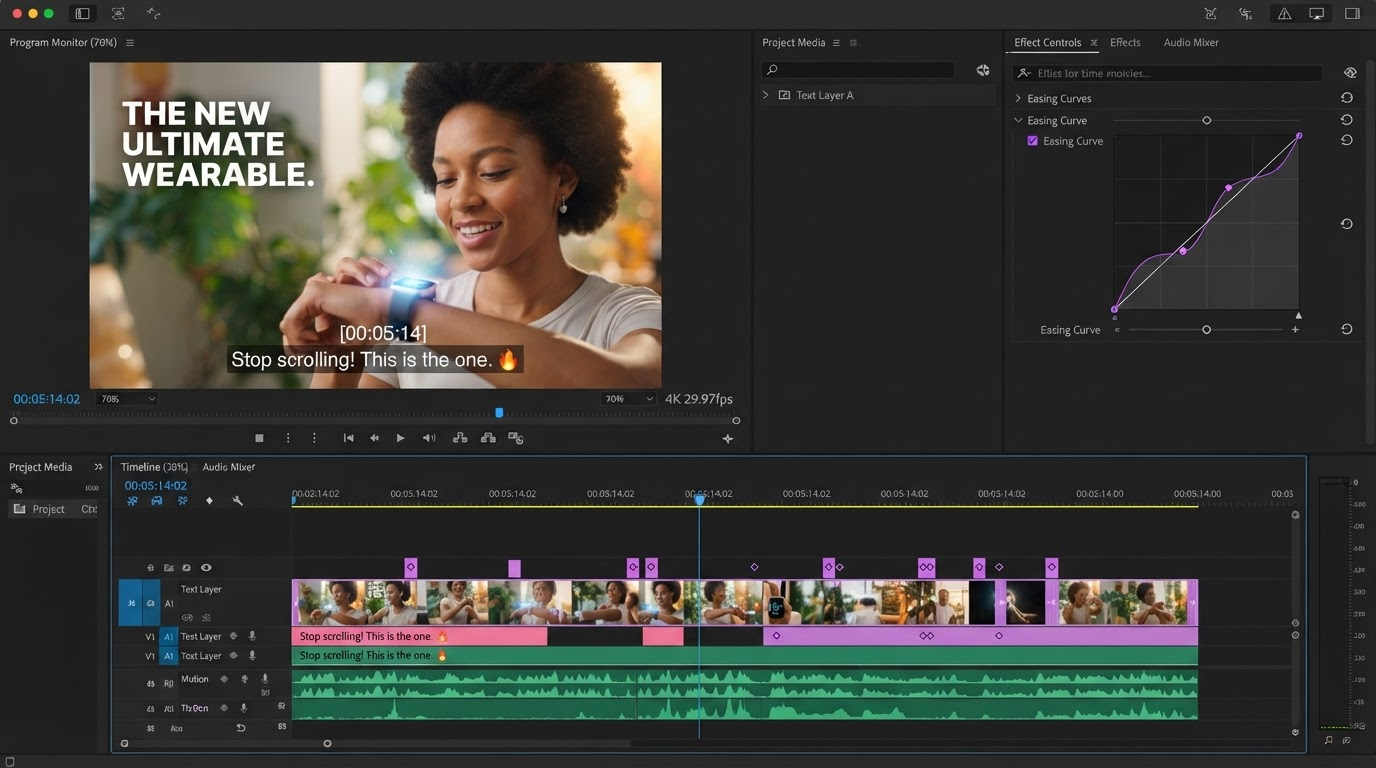
- Bring every clip into one timeline to trim, sequence, resize, caption, and score it before export.
Quick answer:
- The best free output in 2026 comes from Veo 3 in Google AI Studio (1080p, rate limited), with Kling as the best free volume option at roughly 66 credits a day.
- Almost every free tier caps you at five to ten seconds per generation, and most burn a watermark into anything below a paid plan.
- The generator is one step. Sequencing, resizing, captioning, and scoring those clips is what turns them into a finished video.
What free actually costs you
Free never means unlimited. It means the provider is spending GPU time on you and wants that spend bounded. The bound shows up in four places: credits, clip length, resolution, and the watermark.
Credits are the loudest limit. Kling refreshes a daily allowance, Hailuo gives you a handful of generations a day, Runway hands you a one time grant that does not refresh, and HeyGen limits you by finished videos per month rather than by credits. Plan around the refresh cycle, not the headline number. A daily reset is worth far more over a month than a larger one time grant.
Clip length is the quieter limit and the one that reshapes your edit. Most free tiers stop between five and ten seconds. That is enough for a single shot and nothing more, which means a thirty second ad is six to eight separate generations that have to be cut together afterwards. Budget your prompts as shots, not as videos.
The watermark is the limit people notice last and care about most. Free Kling, Hailuo, Pika, InVideo, and HeyGen output all carry marks on the standard free plan. Do not try to crop or blur it out of the corner of a generated clip, because the crop costs you framing on a shot you already paid attention to. It is cleaner to composite your own end card and treat the mark as a constraint, or to use a watermark tool on footage you own outright.
The free tiers at a glance
Numbers below reflect the free plans published at the time of writing. Providers change them often, so confirm before you build a workflow on top of one.
| Generator | Free allowance | Watermark | Free resolution | Clip length |
|---|---|---|---|---|
| Google Veo 3 (AI Studio) | Rate limited access | No | 1080p | Short, single shot |
| Kling 3.0 | About 66 credits daily | Yes | 720p | Up to 10s |
| Hailuo AI | Three to five a day | Yes | 720p | About 6s |
| Pika | Credit grant plus daily refresh | Yes | Up to 1080p | 3s to 4s |
| Runway Gen-4 | 125 one time credits | No | 720p | Short, no refresh |
| Luma Dream Machine | Around 8 drafts monthly | Yes | Limited | Short |
| HeyGen | 3 videos monthly | Yes | 720p | Up to 3 min |
| WAN or LTX (local) | Unlimited on your GPU | No | 720p | 5s to 15s |
Match the generator to the shot
Treat these tools as a camera package rather than a subscription decision. Different models are good at different shots, and nothing stops you from using four of them in one edit.
- Wide establishing shots and product hero moments. Veo 3 holds physics and lighting better than anything else you can reach for free, and it can return synchronized audio. Use it on the shots the viewer studies.
- High motion and action. Kling handles fast camera moves and bodies in motion with less warping. It is also where your daily volume lives, so rough out variations here.
- Photoreal faces and mid shots. Hailuo tends to win on skin and expression in free output, which matters for anything with a person in frame.
- Stylized cutaways and loops. Pika and Luma are quick and cheap on credits. Perfect for the two second inserts between your real shots.
- Presenter and talking head segments. HeyGen is built for it, and three finished videos a month covers a weekly explainer if you plan ahead.
- Unlimited iteration. WAN and LTX run locally, so the only cost is your own GPU time. This is the option when you need forty takes of one shot.
The gap every free generator leaves
Read those roundups closely and you will notice what none of them address: what happens after the render finishes. No free generator gives you a timeline. They give you a download. Sequencing, trimming heads and tails, matching speed across clips from different models, holding a consistent aspect ratio, and laying audio under the whole thing are all editing jobs, and they are the jobs that decide whether the finished piece looks intentional.
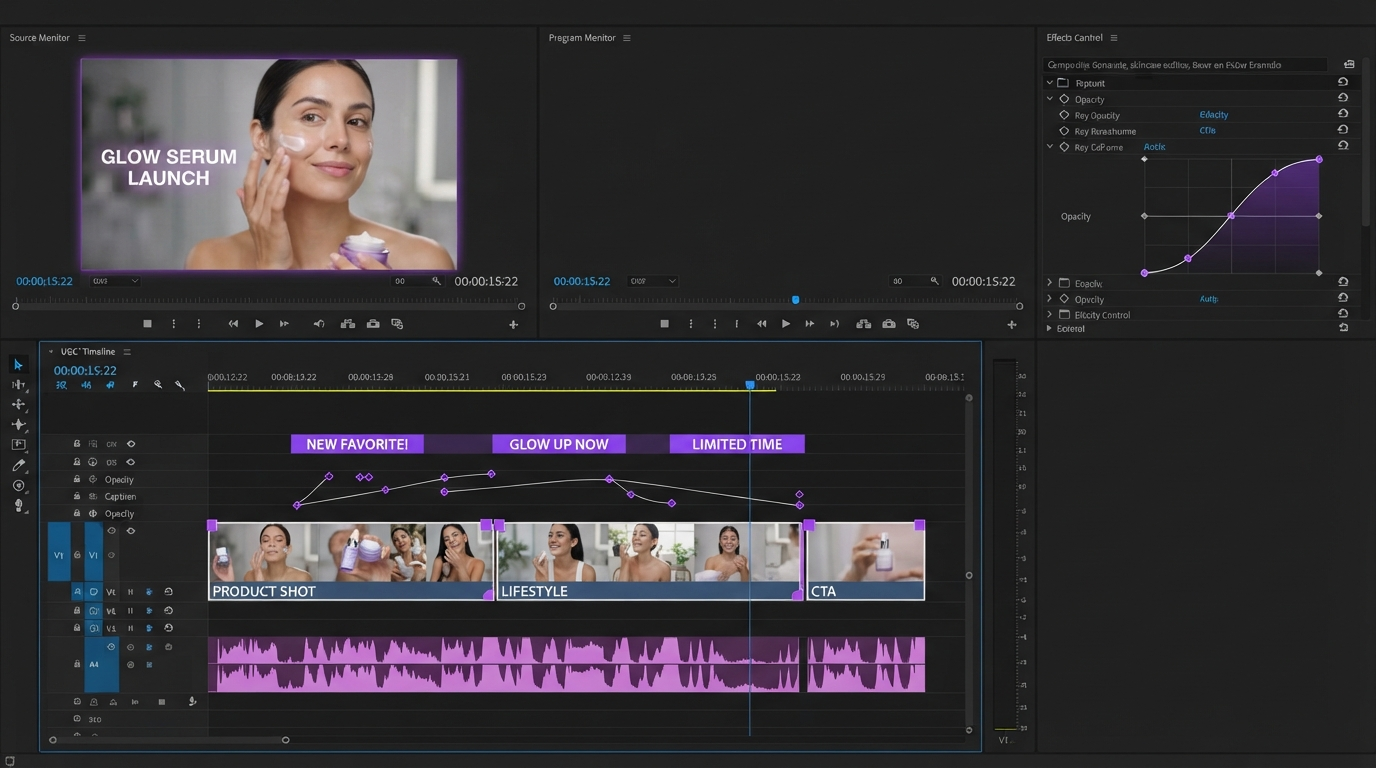
The practical loop looks like this. Generate more shots than you need, because free tiers are cheap and rejects are normal. Pull everything onto one timeline. Trim each clip to the two or three seconds where the motion actually works, since the first and last frames of an AI generation are usually its weakest. Then order those trimmed pieces, and only after the order feels right do you add captions, sound, and titles.
Aspect ratio deserves its own pass. Models default to landscape more often than not, and a vertical crop of a landscape generation loses roughly half the frame. Either prompt for the orientation you need or plan to reframe deliberately when you build the vertical cut rather than letting an auto crop guess at your subject.
Captions and sound matter more than model choice
Most free generations arrive silent or with thin native audio. That silence is the single biggest retention problem in AI assembled video, and it is trivially fixable. A music bed, two or three sound design hits on the cuts, and burned in captions will do more for watch time than swapping one generator for a marginally better one.
Captions are not optional on social. Most feed viewing starts muted, so a clip with no text on screen gets scrolled before the first shot lands. Auto transcribe the voiceover, then fix the proper nouns by hand, because AI transcription still mangles brand names. Motionbox handles the subtitle pass on the timeline so the caption track stays editable instead of baked into the export.
When one generator is not enough
Here is the problem with the plan above. Rotating four free tiers means four accounts, four prompt boxes, four sets of credit counters, and manual downloads into your editor every time you want to compare Veo against Kling on the same shot. That overhead is fine for one video and miserable by the fifth. If you would rather drive several models from one place and keep the comparison honest, Wireflow's breakdown of eight free AI video generators walks through which free tiers hold up for real projects and how to wire generation into a repeatable pipeline instead of a tab habit. Generate there, finish in a timeline, and the whole thing stops feeling like data entry.
For a deeper walkthrough of the generation side of this workflow, the AI video generation guide covers prompting and model behavior in more detail than a comparison table can.
Frequently asked questions
Which free AI video generator has no watermark?
Google Veo 3 through AI Studio and Runway's one time free credits both return clean output, and locally run open weight models like WAN and LTX have no watermark at all. Kling, Hailuo, Pika, Luma, and HeyGen all mark free output on their standard plans.
How long can a free AI video be?
Per generation, usually five to ten seconds. HeyGen's presenter videos are the exception at up to three minutes on the free plan. Longer pieces come from stitching multiple generations together on a timeline, not from a single render.
Can I use free AI video generations commercially?
It depends entirely on the provider's terms, and they differ more than you would expect. Several free tiers grant personal use only, or grant commercial use while keeping the watermark requirement. Read the specific license before a client video depends on it.
Do I still need a video editor if the AI generates the footage?
Yes, and more than before. Generators produce shots, not sequences. Cutting, pacing, reframing, captioning, and scoring are still human decisions, which is the difference between generated footage and an edited video.
What is the fastest free workflow for a 30 second social video?
Write six to eight one line shot descriptions, generate each one on whichever free model suits that shot, drop them all on a timeline, trim to the strongest seconds, add a music bed and captions, then export vertical.
The takeaway
Free AI video in 2026 is genuinely good, as long as you treat it as a shot generator rather than a video maker. Pick Veo for quality, Kling for volume, a local model for unlimited takes, and expect to spend your real effort on the timeline. That is where pacing, captions, and sound turn eight seconds of model output into something worth publishing.
Founder of Motionbox and Gluely. Building tools for creators.