Best AI Video Generators in 2026, Judged by What Lands on Your Timeline
Most rankings of AI video generators stop at the download button. This one starts there, comparing Veo 3.1, Runway Gen-4.5, Kling 3.0, Luma, and Pika on the specs that decide how much work lands on your timeline.
Every ranking of AI video generators stops at the same place: the download button. You get a table of models, a few sample clips, a verdict, and nothing about what happens next. That is the part that costs you the afternoon. A clip that looks perfect in the generator's preview player can land on your timeline at the wrong frame rate, with baked audio you cannot separate, in a duration that does not fit the beat you cut it for.
So this guide looks at the generators worth using in 2026 through one question: how much editing work does each one hand you after the render finishes? If you cut reels, product ads, UGC spots, or explainer b-roll, that question decides your week.
In short
- Pick by output spec, not sample reel. Clip length, frame rate, aspect ratio, and whether audio arrives as a separate stem matter more than prompt quality.
- Veo 3.1 is the safest default for finished-looking footage with sound. Runway Gen-4.5 wins on camera direction. Kling 3.0 wins on long, high motion shots.
- Generate at the aspect ratio you will publish in. Reframing 16:9 into 9:16 throws away half your subject and no upscaler gets it back.
- Build the edit around 6 to 8 second beats, the honest maximum most models hold before motion drifts.
- Treat generated audio as scratch. Cut picture to it, then replace it with your own mix.
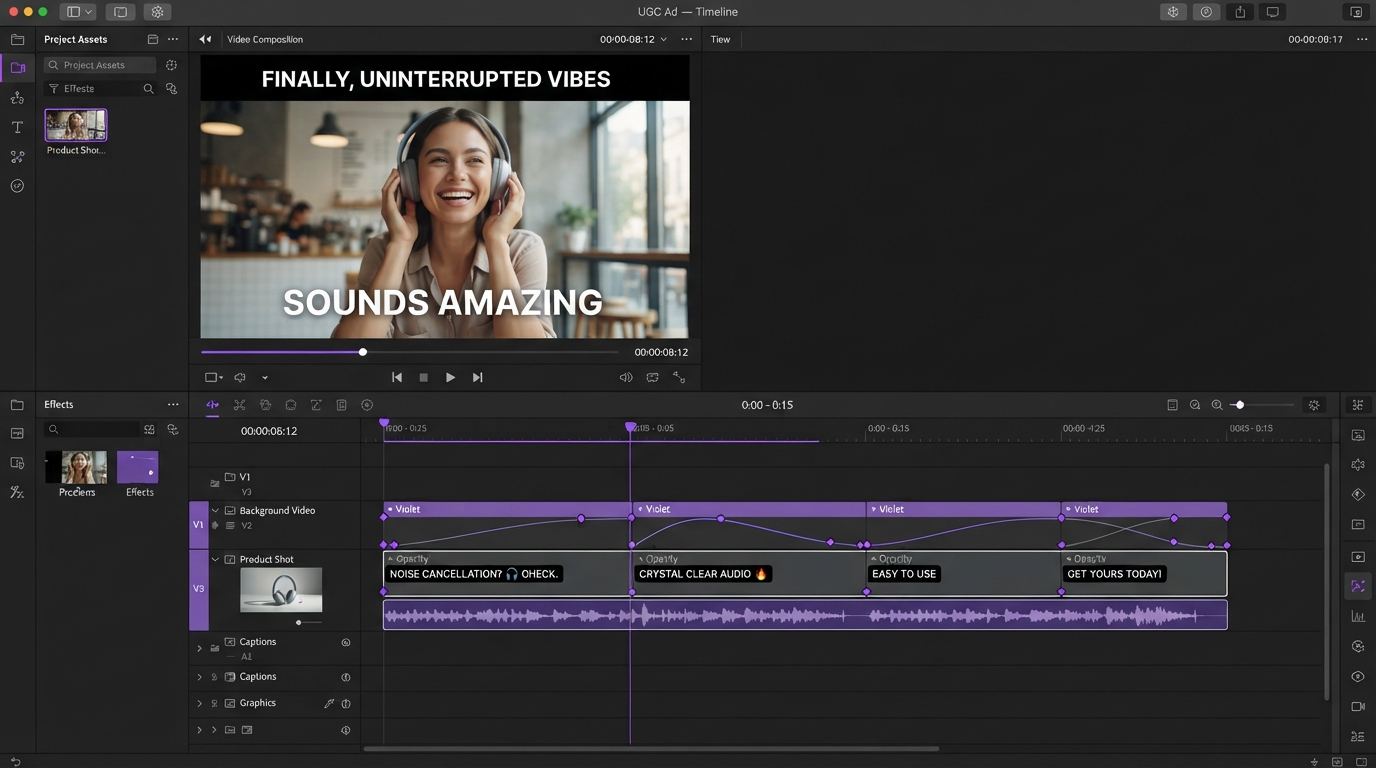
Quick answer:
- Google Veo 3.1 is the best all round pick in 2026: 4, 6, or 8 second clips, native 48kHz synchronized audio inside the same MP4, 1080p and 4K locked to the 8 second length, and a scene extension that adds roughly 7 seconds per hop up to about 148 seconds total.
- Kling 3.0 is the choice for motion heavy shots: 3 to 15 seconds in one generation, up to 4K at 60fps, and up to 6 multi shot cuts inside a single render.
- Runway Gen-4.5 sits between them for directed work, with 2 to 10 second durations through the API, 1080p output, integrated audio, and the most usable camera controls of the group.
What actually matters once the clip hits your timeline
Prompt adherence is the spec everyone benchmarks and the spec that matters least to an editor. You will regenerate a bad prompt in two minutes. You cannot regenerate a frame rate mismatch out of a finished sequence.
Six things predict whether a generated clip edits cleanly:
- Native duration. The maximum length a model holds in a single pass, before any extension trick. This is your real beat length.
- Extension behavior. Most extensions seed the next clip with the final frames of the last. Continuity holds, but resolution usually drops.
- Audio separation. Baked audio inside the MP4 means demuxing before you can mix. Separate stems are rare and worth paying for.
- Frame rate honesty. A model that advertises 60fps but interpolates to get there will smear on any speed ramp you apply later.
- Aspect ratio lock. Several models lock every extension to the ratio of the first clip, so a wrong choice at generation one poisons the sequence.
- Alpha and masking. Almost nothing outputs transparency, so plan to key or mask in the edit rather than hoping for a clean matte.
Write those six down before you compare tools. They turn a taste argument into a checklist.
The generators worth your time in 2026
Google Veo 3.1
Veo 3.1, reachable through Google Labs, is the most predictable generator in this group, and predictability is what you want when a clip has to slot into an existing sequence. It generates 4, 6, or 8 second clips with synchronized speech, effects, and ambience written into the same file at 48kHz stereo.
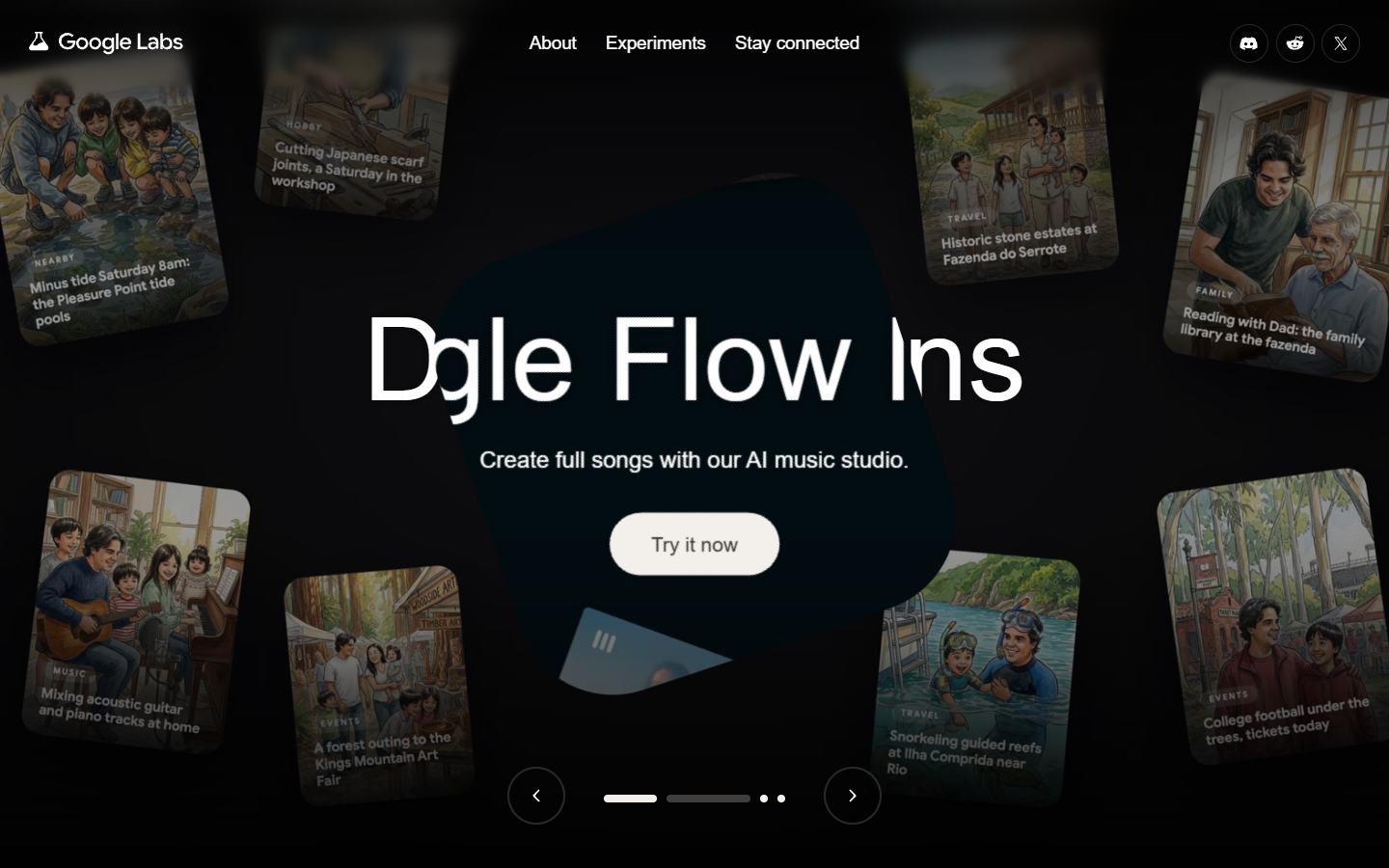
The tradeoffs are specific. 1080p and 4K only apply to the full 8 second length, so a shorter generation caps lower. Extended segments typically render at 720p, which means a 40 second sequence built from extensions has a visible quality step partway through. Cut around that step rather than through it. Aspect ratio is 16:9 or 9:16 native, and every extension inherits your first choice, so if the deliverable is vertical then start vertical. The AI video generation guide covers the prompting side in more depth.
Verdict: best default for dialogue, ambience, and anything that needs to look finished straight out of the generator.
Runway Gen-4.5
Runway has spent longer than anyone building for people who think in shots rather than prompts. Gen-4.5 launched in March 2026 with 1080p output, integrated audio, and durations from 2 to 10 seconds through the API.
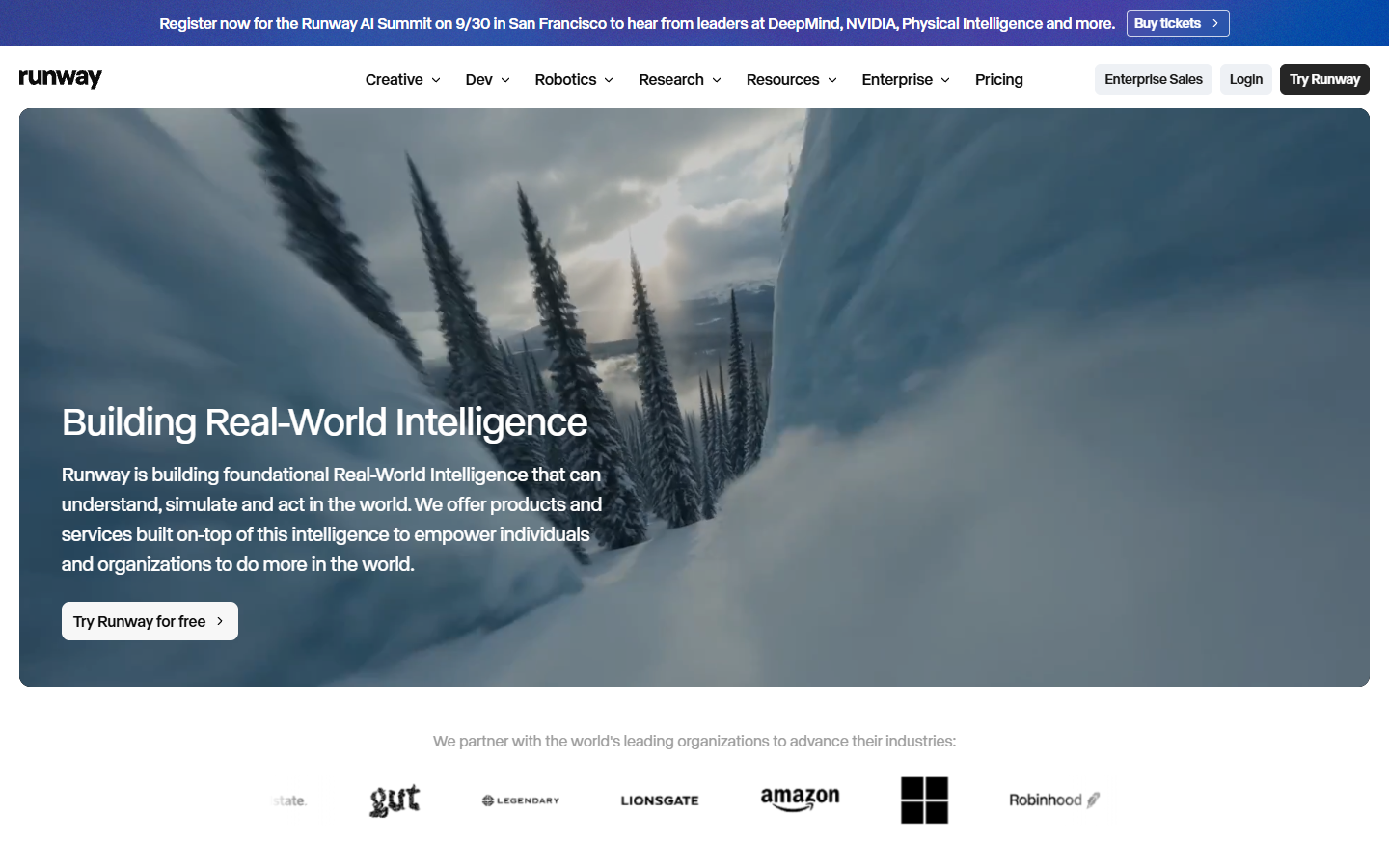
What sets it apart for editors is the control surface. Camera movement, motion brushes, and reference based consistency mean you can ask for a specific push in rather than describing one and hoping. That matters when a generated shot has to match a real shot you already filmed. The 10 second ceiling is shorter than Kling's, but Runway shots need less rescue work, which usually nets out faster. Pair it with organized b-roll so generated and filmed footage live on the same tracks.
Verdict: best for directed shots that must match existing footage.
Kling 3.0
Kling AI is the length and motion specialist. Kling 3.0 generates 3 to 15 seconds in a single pass, reaches 4K at up to 60fps, adds native audio, and can render up to 6 multi shot cuts inside one generation.
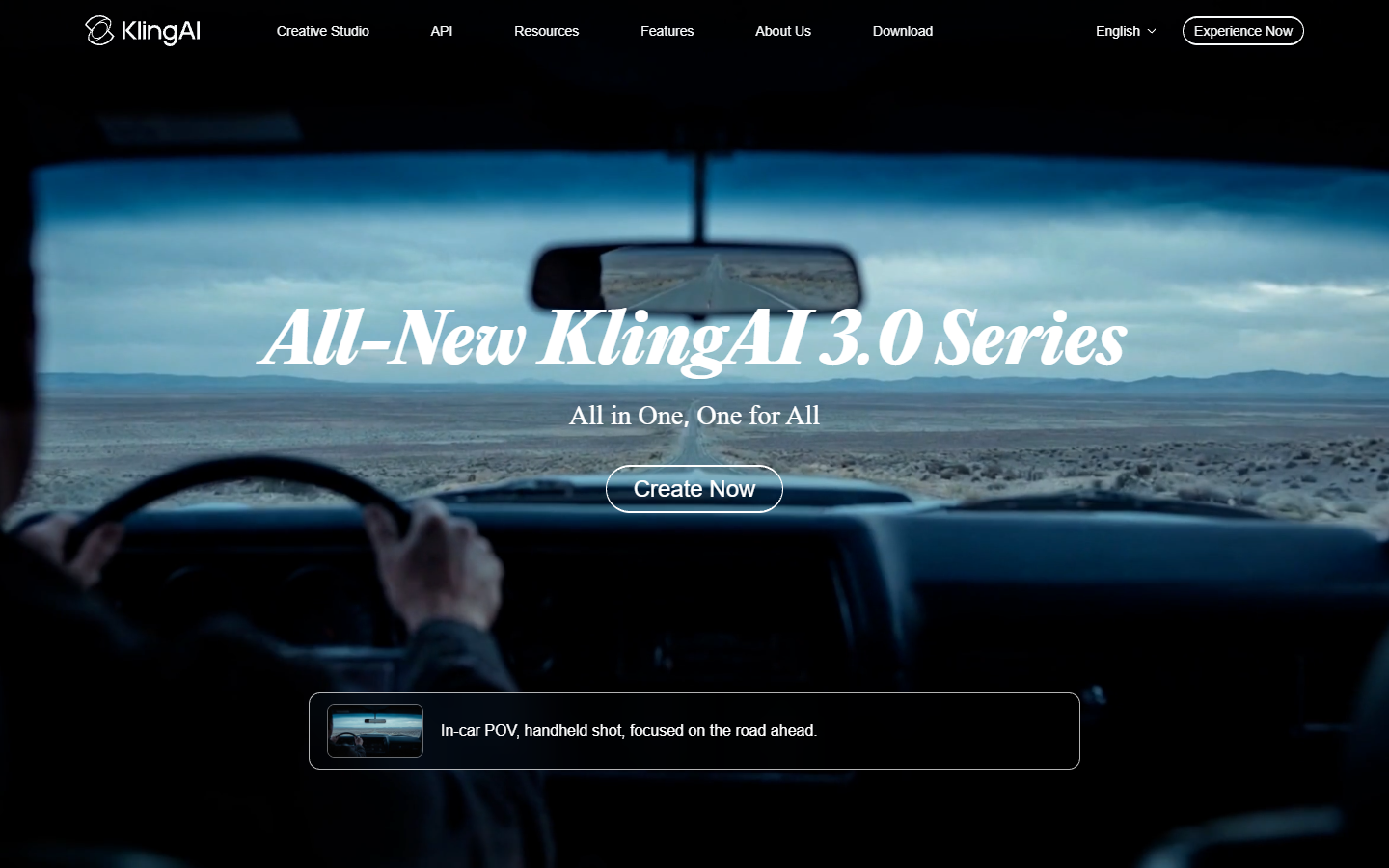
That 15 second native length changes how you storyboard. Where Veo pushes you into an 8 second beat structure, Kling lets a single shot carry a full hook. The multi shot feature is genuinely useful and genuinely risky: when it works you get a cut sequence for the price of one render, and when it misses you get six usable seconds inside a fifteen second file. Generate, then trim the clip to the usable range before anything else touches it.
Verdict: best for high motion hero shots and anything that needs to run past ten seconds.
Luma
Luma sits in the iteration lane. Its appeal has always been speed: you can run six variations of an idea in the time a slower model takes to render one, which makes it the right tool for concepting rather than finishing.

Use it to find the shot, then regenerate the winner somewhere with a higher quality ceiling. Treating Luma as previsualization rather than a final render keeps your credits on the model that produces the frames you actually ship.
Verdict: best for fast concepting before you spend credits elsewhere.
Pika
Pika leans short form and effects driven. Its pitch in 2026 is generation plus automation, with an API tier aimed at people running volume rather than crafting single shots.
For social teams producing many variants of one concept, that API access matters more than any single quality benchmark. Generate the variant set programmatically, then finish the batch in a timeline where you can swap video subtitles per market without regenerating a frame.
Verdict: best for high volume short form variants.
The Sora 2 shutdown is the real 2026 lesson
OpenAI notified developers in March 2026 that the Videos API and every Sora 2 model alias would be removed on September 24, 2026. The Sora web and app experiences had already been discontinued on April 26. No successor model is listed in the replacement column. The API is not being upgraded, it is going away.
If you built a pipeline on Sora 2, that is a hard deadline. More usefully, it is an argument for how to structure generated video work in general. Keep the generator as a swappable step. Store the prompt, the seed image, and the output separately, so replacing the model means rerunning one step rather than rebuilding a process. Anything that lives only inside a specific generator's project file is a hostage. The same logic applies to the edit itself: finish in a timeline you own, with layers and tracks you can rewire.
Cutting generated clips so they stop looking generated
Generated footage has a tell, and it is rhythm rather than pixels. Every clip arrives at the same length with the same easing, so a sequence of them reads as a slideshow.
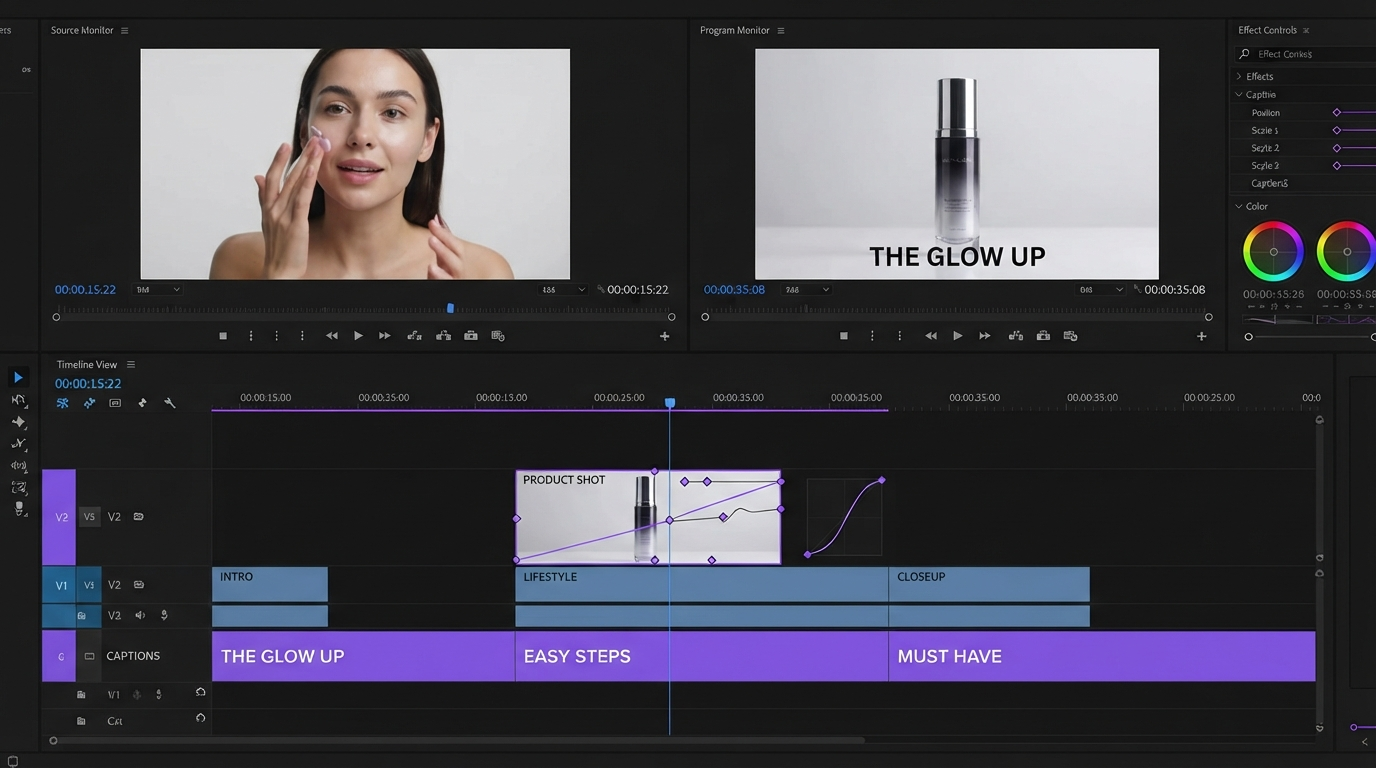
Four habits fix most of it. Cut into motion rather than starting on a static frame, since the first 6 to 10 frames of a generation are the weakest. Vary shot lengths deliberately, because a 2 second cut next to a 5 second cut reads as intent while five 3 second cuts read as automation. Replace the generated audio and use it only as a sync guide. Then change clip speed unevenly, since a slight ramp on one shot breaks the uniform cadence that makes AI edits obvious.
Frequently asked questions
Which AI video generator is best in 2026?
For most work, Google Veo 3.1, because it produces 8 second clips with synchronized audio at 1080p or 4K and behaves consistently between runs. Choose Kling 3.0 instead if you need shots longer than ten seconds or heavy motion, and Runway Gen-4.5 if you need specific camera direction to match existing footage.
How long can AI generated video clips be?
In a single pass, roughly 8 seconds for Veo 3.1, 10 seconds for Runway Gen-4.5 through the API, and 15 seconds for Kling 3.0. Longer sequences come from extension, which seeds each generation with the final frames of the last. Extended segments often render at lower resolution, so plan your cut points around the change.
Can I edit AI generated video on a normal timeline?
Yes, and you should. Generated clips are ordinary MP4 files. The practical issues are baked audio you need to demux, mixed frame rates across tools, and durations that do not match your music. Conform everything to a common frame rate on import, then cut.
Is Sora 2 still available?
The Sora web and app experiences were discontinued on April 26, 2026, and the Sora 2 API models are removed on September 24, 2026. If you still have a running integration, migrate before that date.
Do I need 4K generations?
Rarely. If the deliverable is social, 1080p at the correct aspect ratio beats 4K you have to reframe. The one real case for 4K is when you plan to punch in or stabilize, because then the extra resolution buys you reframing headroom.
Where this leaves your next edit
Pick the generator that matches the beat you need, not the one with the best sample reel. Eight seconds and clean audio points at Veo. Fifteen seconds and hard motion points at Kling. A shot that must match real footage points at Runway. Then get the clips onto a timeline where the cut, the captions, and the mix are yours. The generators will change again next quarter. Your edit should not have to.
Founder of Motionbox and Gluely. Building tools for creators.