The Best AI UGC Agent Tools in 2026, and the Edit They Hand You
AI UGC agents write the script, cast the actor, and render the ad in about ninety seconds. What lands in your folder is still a flat MP4. Here is what the 2026 tools do well, and where your timeline takes over.
AI UGC agents got good at the part that used to cost the most. You paste a product link, pick a face, and ninety seconds later there is a person on screen holding your thing and reading a hook you did not write. The casting call, the shipping, the reshoot when the lighting was wrong: all of that is gone.
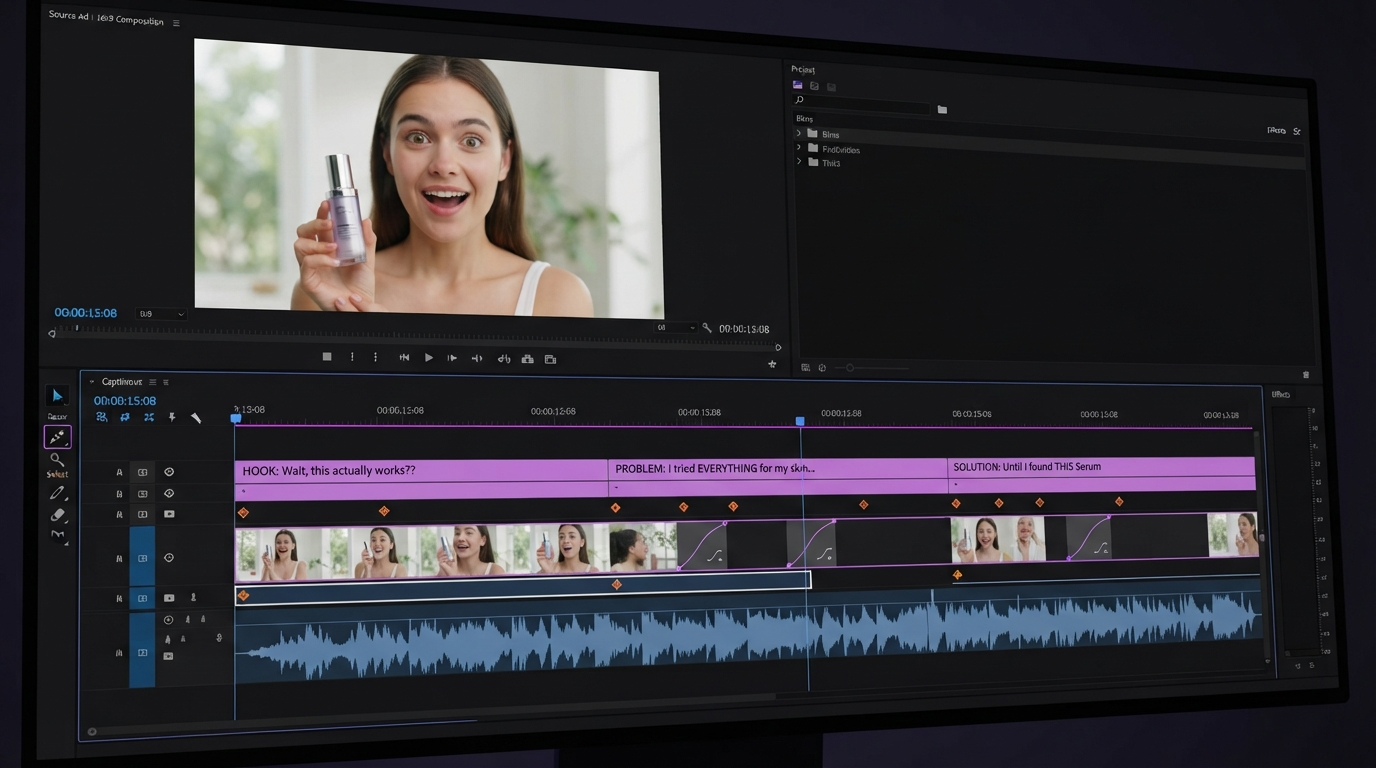
What is not gone is the edit. Every one of these tools returns a flat MP4. No layers, no tracks, no keyframes, just pixels that are already baked. If the hook lands two seconds late, if the captions sit under the TikTok UI, if the product never gets a clean beauty shot, you are opening a real editor anyway. So the useful question in 2026 is not which agent makes the best video. It is which agent gives you the most usable raw material for the timeline you are going to build on top of it.
In short
- Pick the agent by output volume and avatar realism, not by its built in editor. You will not use the built in editor.
- Generate in batches. Five hooks against one script beats one polished video every time.
- Export the widest safe frame you can get, then reframe per platform in your own editor.
- Rebuild captions, b roll, and the product beat on a timeline. That is where the conversion difference lives.
Quick answer:
- The strongest AI UGC agents in 2026 are Arcads for actor realism, Creatify for batch volume, HeyGen for multilingual casts, Captions for creator style editing, and Synthesia for corporate and training footage.
- Expect roughly two to twenty dollars per generated video against fifty to five hundred for a human creator, with turnaround in minutes.
- Every one of them returns a baked MP4, so budget a real editing pass for captions, b roll, and platform reframing before you spend on the ad.
What a UGC agent actually hands you
Strip the marketing and these tools all do the same four things. They turn a product page or a brief into a script. They cast a synthetic actor from a library. They lip sync a voice to that actor. They render a vertical video with burned in captions.
That is a talking head with a hook. It is genuinely useful and it is genuinely incomplete. The parts that make UGC convert are the parts these agents skip: the product held at the right angle, the two second unboxing cut, the caption that changes color on the price, the sound effect on the tap. Those are timeline decisions. An agent that returns a finished file cannot make them for you, and it cannot let you make them either.
The practical consequence is that your generated clip is a source asset, not an ad. Treat it the way you treat stock footage. Drop it on a track, cut it, and build around it with a product video maker that keeps the layers editable.
The tools worth testing in 2026
Arcads
Arcads is the realism pick. Its actor library is the most convincing of the group, and the delivery reads closer to a real person talking to a phone than a presenter reading a teleprompter. That matters because the whole format depends on the viewer not clocking it as an ad in the first second.
The tradeoff is that Arcads is opinionated about format. You get vertical talking head footage, well made, and not much else. There is no meaningful timeline, no b roll library, no way to hold a product in frame that the actor is not already holding. Use it as a hook generator: run ten scripts, keep the two performances that feel human, and cut the rest of the ad yourself.
Creatify
Creatify is the volume tool. It is built around pointing at a product URL and getting back many variations, which is the right shape if you are testing creative rather than making one hero spot.
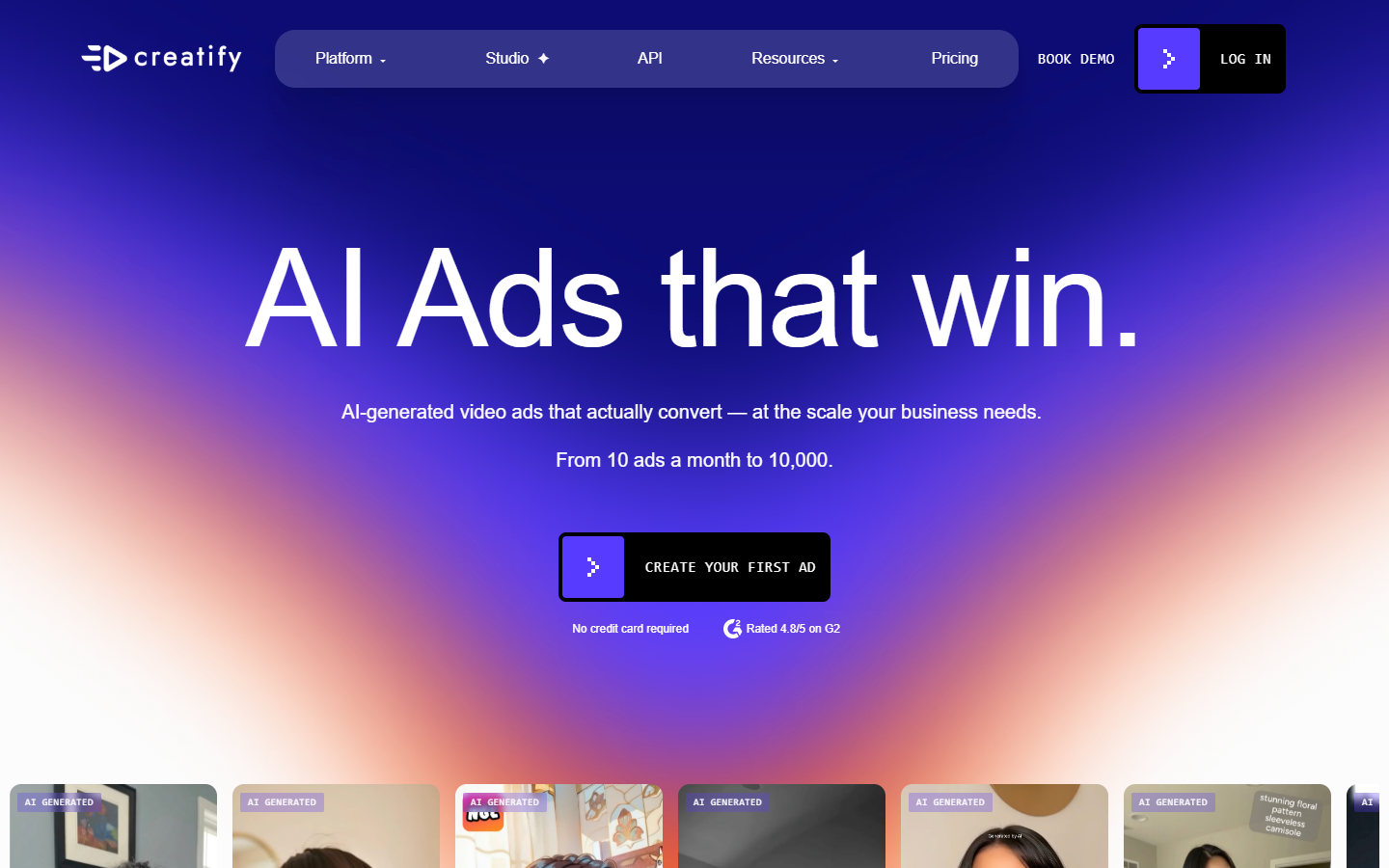
Batch output is where it earns its place. Generating thirty hook variants and letting spend decide is a better use of an agent than agonizing over one script. Just be aware that thirty near identical talking heads is thirty near identical talking heads. The variation that wins usually wins on the hook line, not on the edit, so plan to take the winner and rebuild it properly.
HeyGen
HeyGen is the one to reach for when the same ad has to run in eight markets. Its translation and lip sync work across a large language set, and the avatar keeps its mouth shape roughly honest in each one.
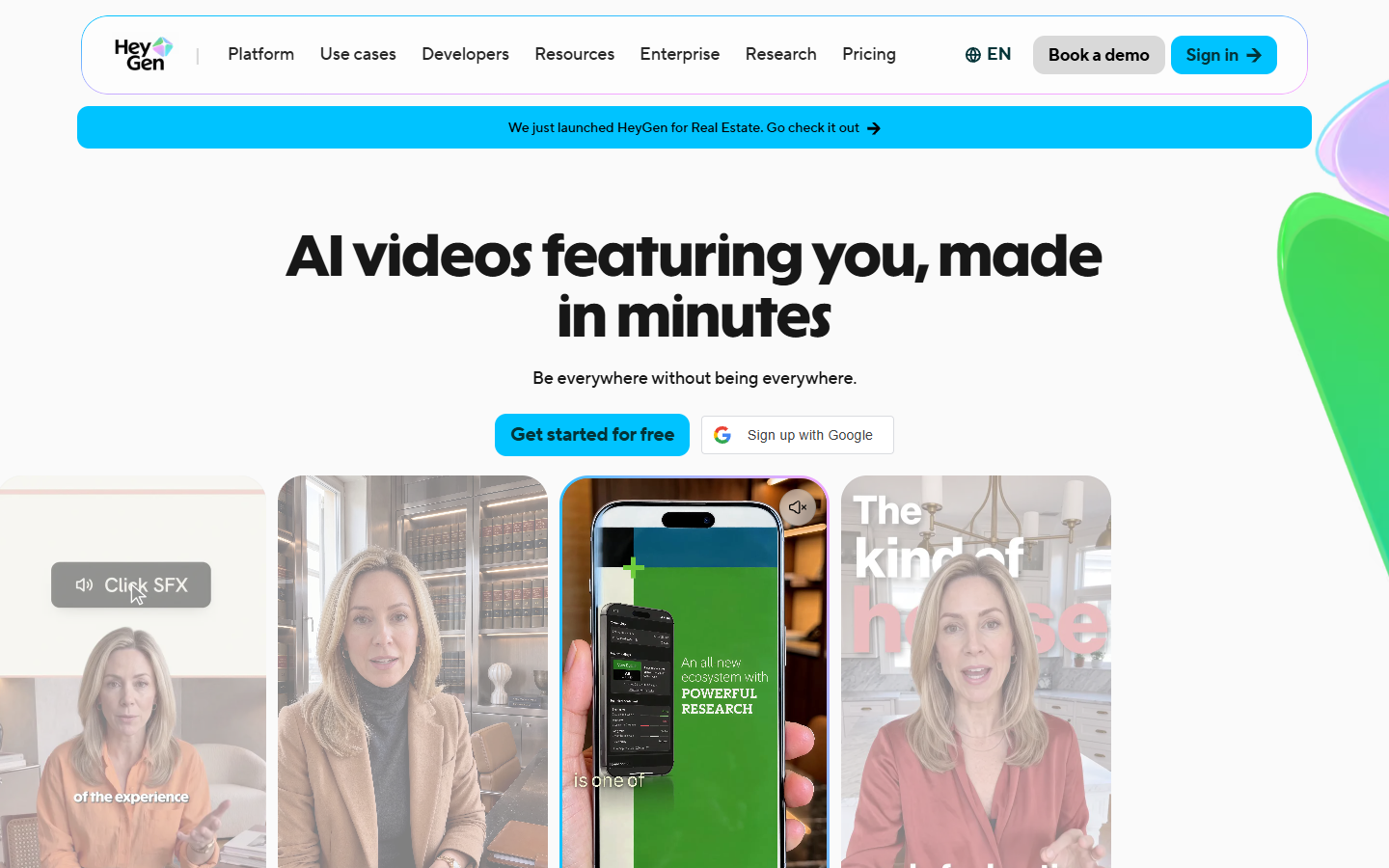
It is also the most API friendly of the group, which is why it tends to end up inside other people's pipelines rather than being the pipeline. If you are already generating scripts somewhere else, HeyGen is a good render step to call rather than a place to sit and work.
Worth reading if you are building the generation half rather than the editing half: the rundown of UGC agent tools at wireflow.ai covers how to chain script, avatar, and voice models into one repeatable run instead of clicking through three separate products for every variant.
Captions
Captions sits closest to editing of the five. It generates avatars, but it also does real work on footage you already have: caption styling, filler word removal, eye contact correction, reframing.
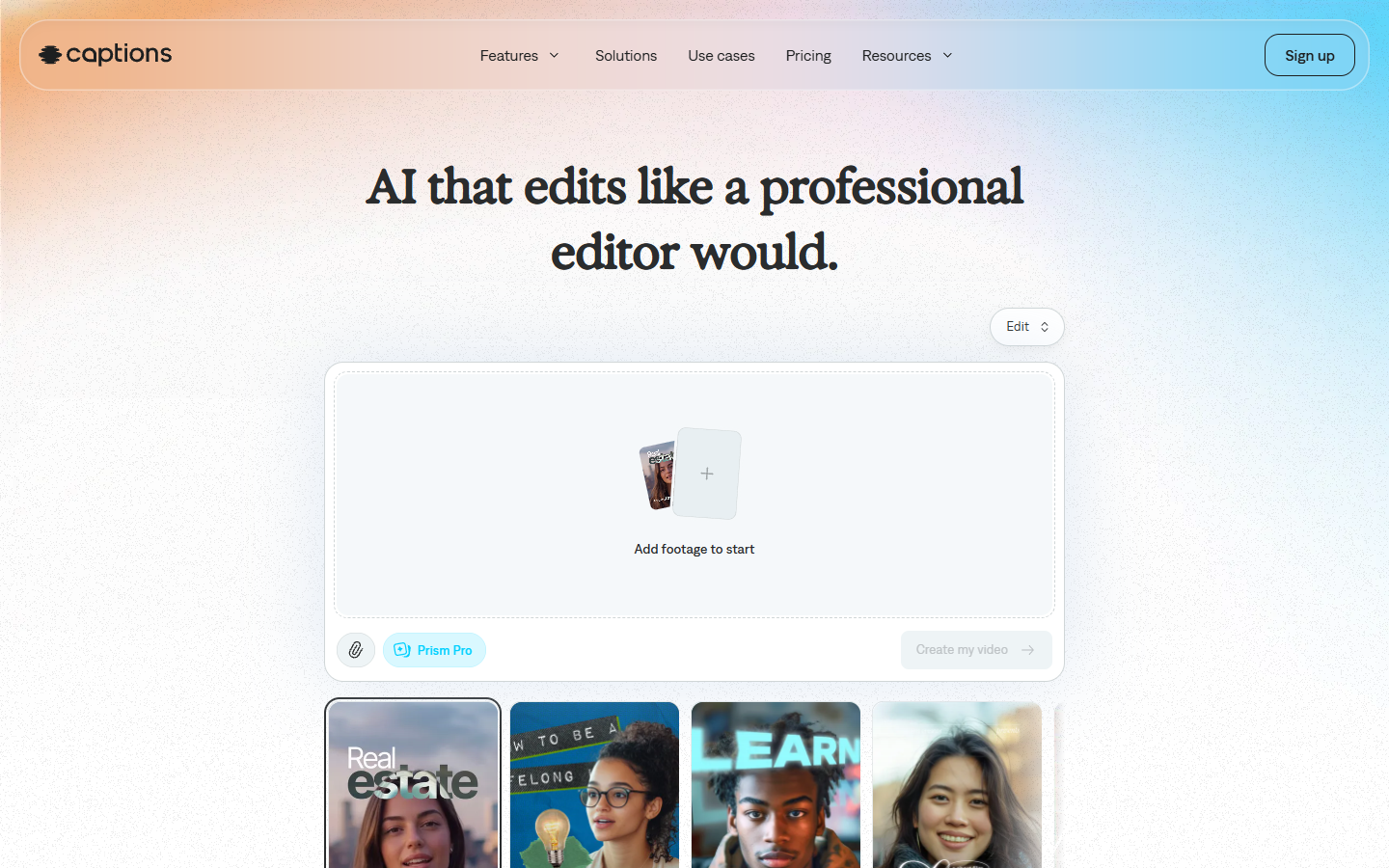
If your UGC is half generated and half filmed on a phone, this is the most useful single tool in the list. It is still a closed system though. The caption styles are its caption styles, and getting a brand specific look means either accepting the preset or exporting and doing it again with a video subtitle editor you control.
Synthesia
Synthesia is the enterprise answer, and it is honest about that. The avatars are polished, the studio backgrounds are clean, and the whole product is aimed at training videos, internal comms, and product explainers rather than scrappy social ads.
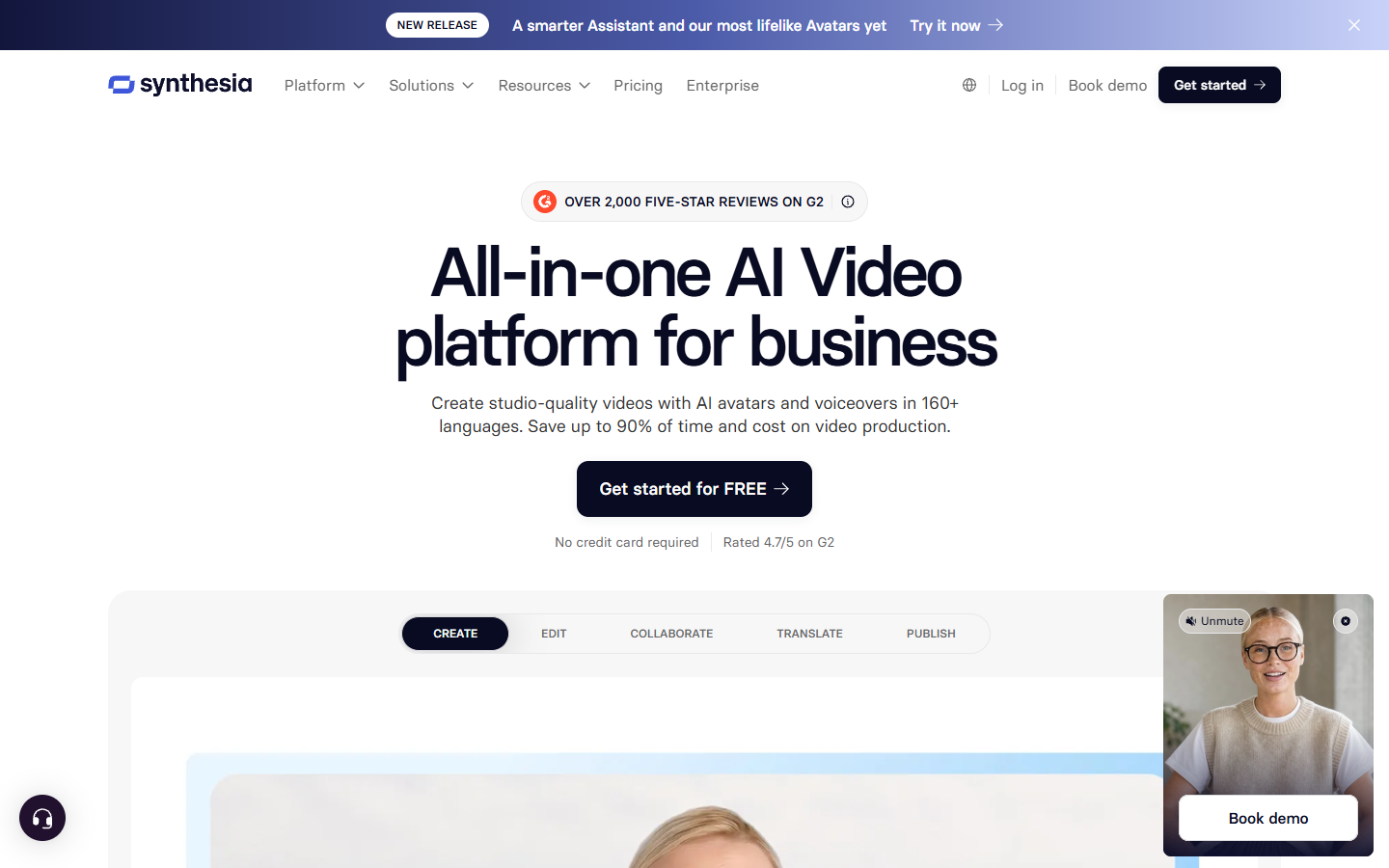
For UGC specifically it is the weakest fit. Its footage looks produced, and produced is the opposite of what the format needs. Keep it in mind for the explainer that sits on your landing page, not for the ad that has to survive a feed.
The edit that makes generated UGC work
Assume the generated clip is your A roll and nothing else. Four things reliably move performance once it hits a timeline.
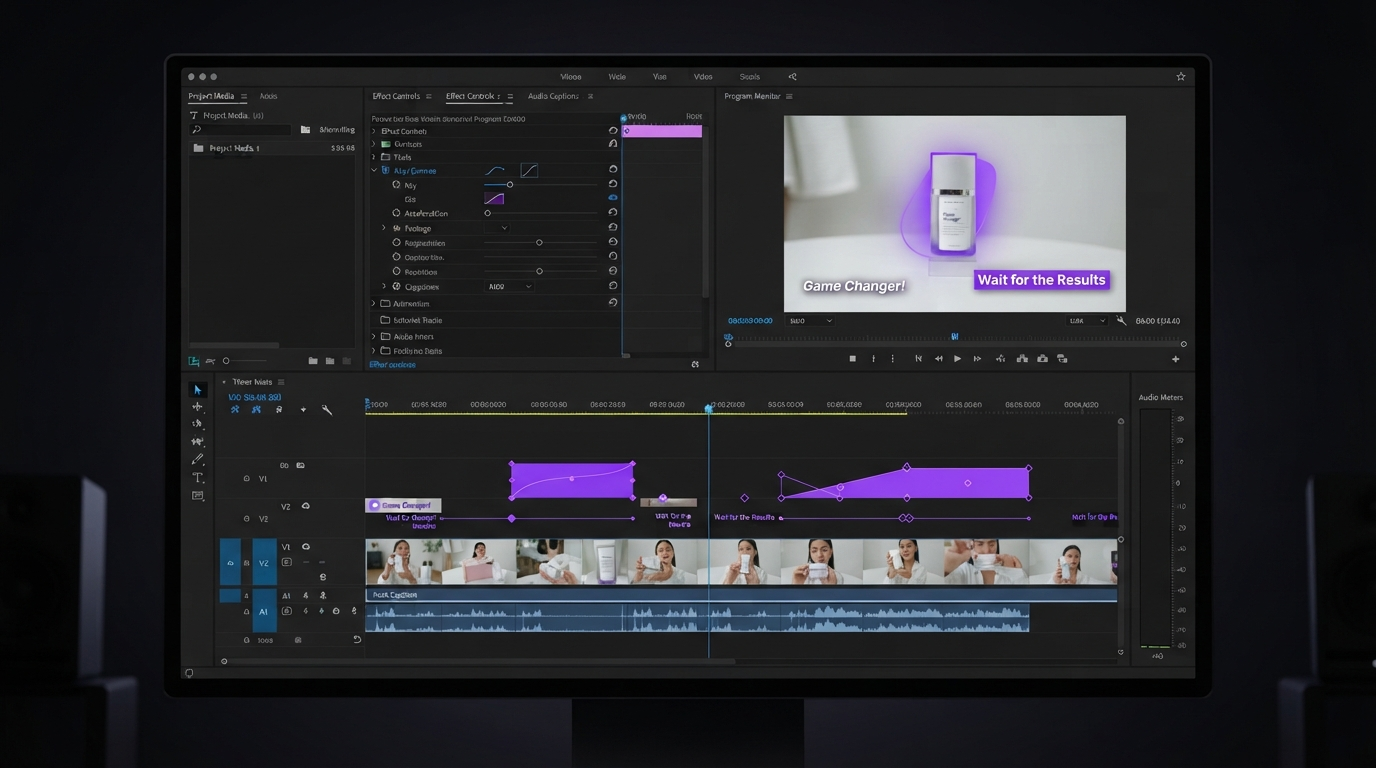
Captions come first. Burned in captions from an agent are legible but generic, and they usually sit in the safe area for the wrong platform. Rebuilding them as a real text layer lets you time each word to the audio, bump the size on the claim, and keep them clear of the interface on a TikTok video export.
Then the product. Almost every generated UGC ad is weak on the thing being sold, because the avatar is holding a rendered approximation of it. Cut to your own footage for two seconds at the demonstration beat. A short b roll insert over the audio is usually enough to make the whole ad feel real.
Pacing is third. Agent output tends to run at a flat conversational rhythm with dead air at the head and tail. Trim both ends hard, then tighten the gap between the hook and the demonstration. Most generated thirty second ads are better as twenty two second ads.
Last is the frame. Reframe per platform rather than trusting one vertical export to work everywhere, and add a short branded top or tail with an intro maker so the ad reads as yours and not as a template.
A test loop that does not waste generations
Pick one product and one claim. Write five hooks by hand, because hooks are the one part the agents are still mediocre at. Generate each hook with the same actor and the same script body so the hook is the only variable. Run them flat for two days.
Take the winner into an editor and make one properly finished version: real captions, real product b roll, tightened pacing, branded tail. Run that against the raw winner. In most accounts the edited version outperforms the raw generation by enough to justify the hour, and now you have a template to apply to the next four hooks.
Frequently asked questions
What is an AI UGC agent?
It is a tool that turns a brief or a product link into a finished user generated style video ad, handling the script, the synthetic actor, the voice, and the render without a human creator or a shoot.
Are AI UGC ads allowed on TikTok and Meta?
Yes, with disclosure. Both platforms require AI generated realistic content to be labeled, and both have automated detection. Label it in the platform's own tool rather than hoping it goes unnoticed.
Can these tools replace real creators?
For volume testing, largely yes. For a brand's hero creative, not yet. The reliable pattern in 2026 is generating many variants cheaply to find the message, then spending real money on a human version of whatever won.
Why does generated UGC still need editing?
Because the output is a baked MP4 with no layers. Captions, product cutaways, pacing, and platform framing are all timeline decisions, and none of the generation tools expose a timeline you can work in.
How much do AI UGC tools cost?
Most sit between twenty and two hundred dollars a month, priced by minutes or credits rather than seats, which works out to roughly two to twenty dollars per generated video.
Where to spend your effort
The generation step is close to solved and getting cheaper every quarter. Picking between Arcads and Creatify will change your output less than deciding what happens after the render lands. Choose the agent that gives you the most usable raw footage per dollar, then put your real attention on the timeline: the captions, the product beat, and the cut that gets the viewer to second three.
Founder of Motionbox and Gluely. Building tools for creators.