Best AI Image Generators for Text in 2026: 6 Picks for Title Cards and Posters
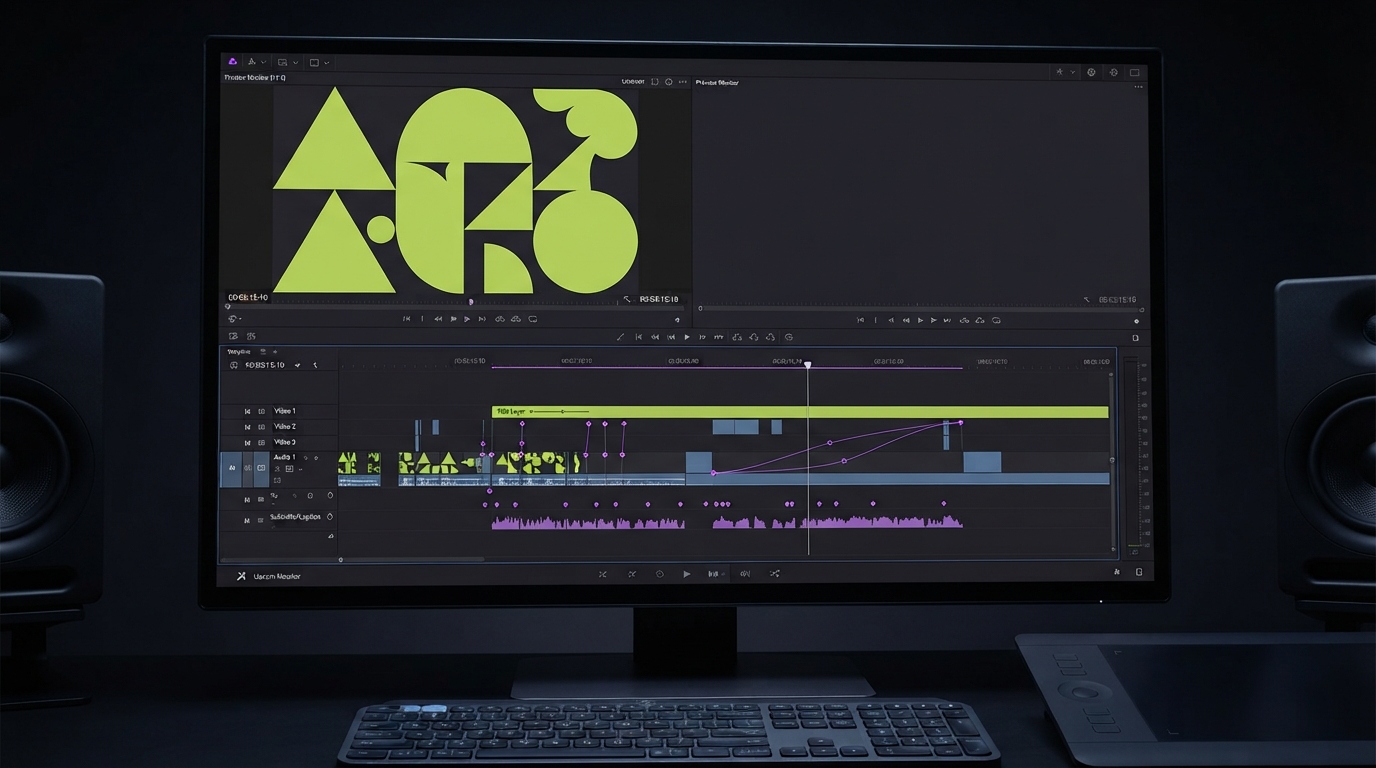
If a still is heading for a timeline, the words inside it have to hold up on screen. Here are six AI image generators for text in images, ranked on how many ways each one gives you to get a word right and keep it right.
A misspelled headline on a title card costs you a rerender and an awkward client email. It tends to get caught late because everyone was watching the motion. Text inside AI images turns up all over a video job, in poster frames, thumbnails, logo stings, shop signs in the back of a shot, and the offer line on an ad. A still can sit on screen for seconds, which is plenty of time for someone to read a bad letter.
This list ranks six tools on scope. That means how many ways each one gives you to fix lettering after the first render, and how easily the result moves into video. We did not run a head to head test, so every capability below comes from the tool's own pages.
The list at a glance
- Wireflow. Best for sending one brief to several text capable models on a single canvas.
- Ideogram 4.5. Best for posters, branded graphics, and ads where accurate typography comes first.
- Recraft. Best for logos and signage that need to stay sharp as vectors.
- ChatGPT Images. Best for changing a line of copy in plain language.
- Google Gemini. Best for free text graphics and translated versions of one design.
- FLUX.2. Best for teams building typography into their own image pipeline.
Quick answer:
- For posters and ads with a lot of type, I'd start with Ideogram 4.5, which Ideogram's own site sells on crystal clear type.
- If the words have to stay editable, you'll want a route that gives you layers or vectors. Recraft generates SVG, and Wireflow has a node that pulls text out of an image into separate layers.
- Any model can still get a letter wrong, so it's worth proofreading every frame before you animate it. Google's Nano Banana Pro page says Gemini can still struggle with accurate spelling.
Decide where the words live first
Words in a still get handled harder than the rest of the picture. A slow push in crops the edges, so a headline sitting tight to the frame can lose its first letter by the end of the move. One still often has to work in 16:9 and 9:16 as well. A line that fits across a landscape poster won't survive a vertical crop. Small type has it worst, because a footnote that looks fine on a desktop preview turns to mush on a phone.
Before you pick a model, work out which words belong in the image at all. A headline that changes per version usually does better as a live text layer than as pixels. You can generate the art with clean space for the copy, then add text to your video on its own track. Baking words into the image makes sense when the lettering is the picture, such as a neon sign or a poster hanging inside a scene.
1. Wireflow
Wireflow is a node canvas that hosts Ideogram 4.5, GPT Image 2.5, Recraft V4, Nano Banana Pro, and Flux 2 Pro. You can run one brief through several of them and keep the version with the cleanest lettering. It ranks first on scope, since models from all five other tools on this list run inside it as nodes.
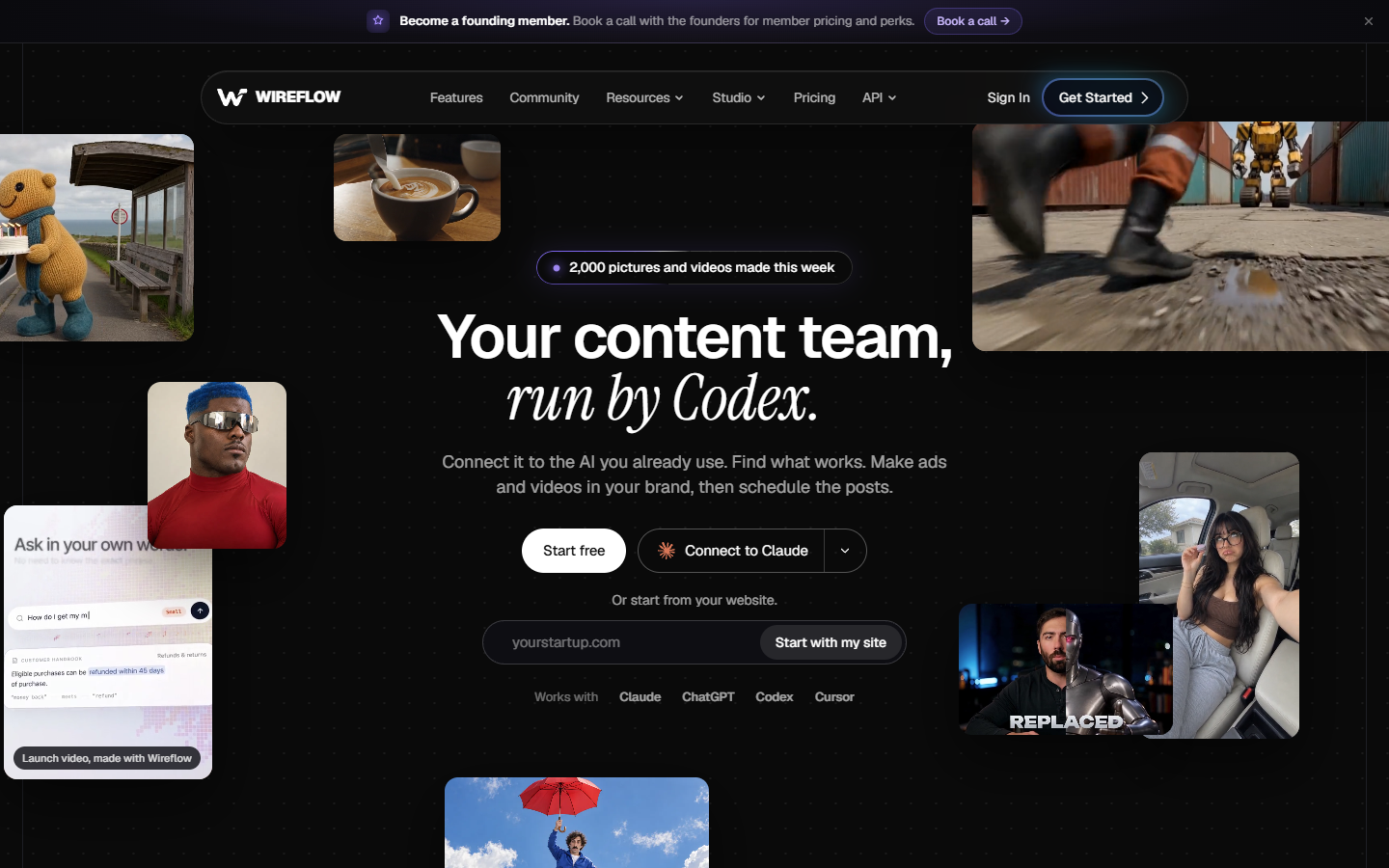
For text work, Ideogram Layerize Text extracts the words from an image into separate editable layers. Ideogram 4.5 Edit changes text in place or translates it. If you'd rather start from something ready made, there's Wireflow's AI poster maker. That flow turns a brief into a poster with GPT Image 2.5 Flare and then upscales it 4x.
You pay for that range in setup, because wiring a small flow takes longer than typing into a prompt box. Building a flow is free. Each run uses credits, about 12 per GPT Image 2.5 Flare image and about 19 per Ideogram 4.5 image.
Best for: Comparing several models on the same line of text, and text jobs you plan to repeat.
Verdict: The widest set of options on this list, with more setup than a single prompt box.
2. Ideogram 4.5
Ideogram 4.5 is Ideogram's most capable image generation and editing model, delivering sharper prompt fidelity, crystal-clear text rendering, and precise edits that preserve image details. It supports high-resolution 2K output and advanced creative workflows.
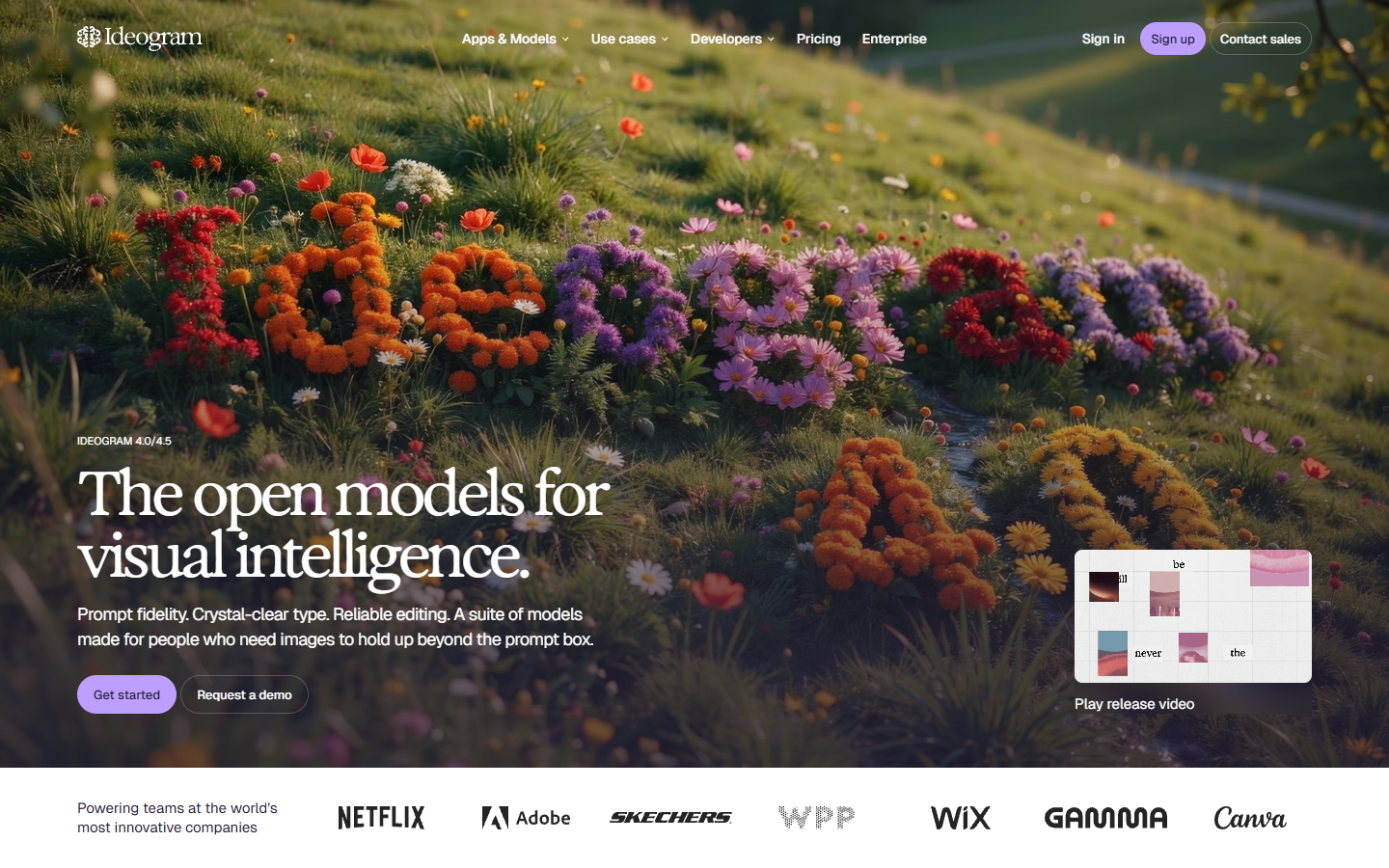
Best for: Posters, branded graphics, advertisements, product visuals, and professional design assets.
Verdict: An excellent choice for accurate typography, detailed visuals, and reliable image editing across multiple revisions.
3. Recraft
Recraft is a design platform for generating and editing images, vectors, and mockups. Its docs say Recraft V4 produces clear, legible text for infographics, menus, signage, and packaging. They also say it handles short and mid-length phrases with high fidelity to layout and typography.
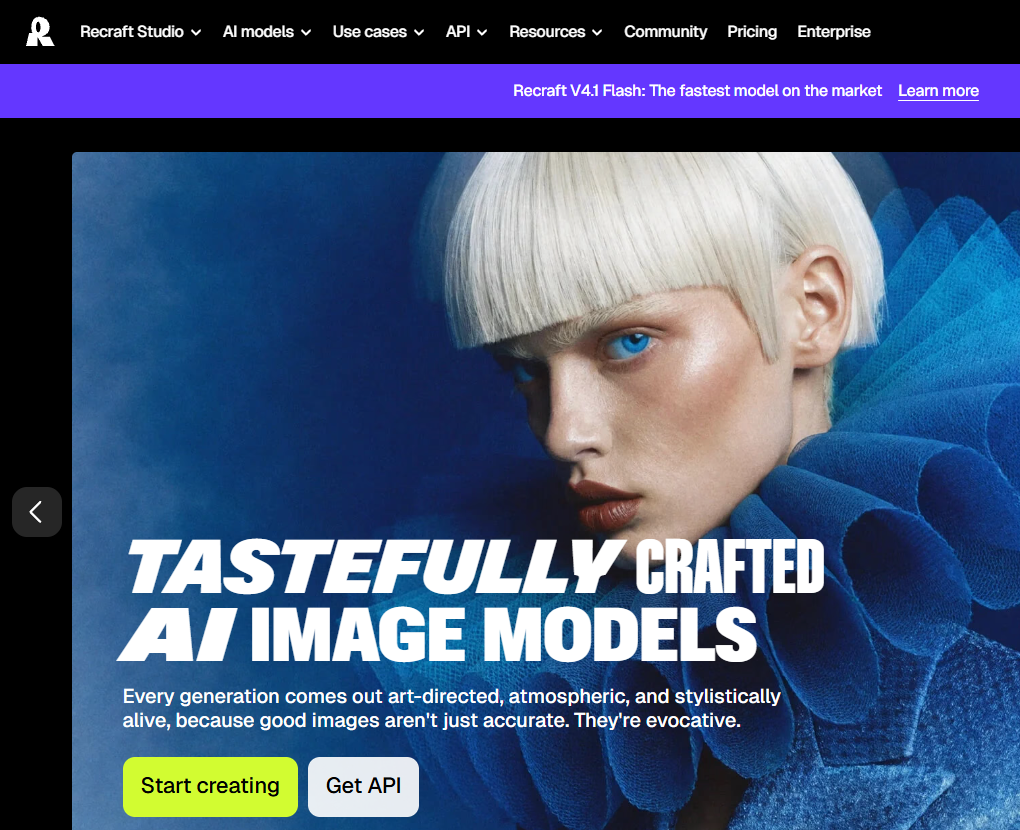
For motion work the output is the reason to look. Recraft V4 generates vector graphics directly, and its docs list SVG, PNG, JPG, PDF, TIFF, and Lottie exports. A vector logo keeps its edges at any scale, which makes it a good source for an animated logo template.
You'll want to check your plan before client work. Images made on Recraft's free plan are owned by Recraft, appear in its community gallery, and aren't licensed for commercial use.
Best for: Logos, signage, and packaging copy that has to scale.
Verdict: A solid choice when the file has to be vector, on a paid plan for anything commercial.
4. ChatGPT Images
ChatGPT Images 2.5 runs inside ChatGPT on desktop, mobile, and web, so changing a headline is one more message in the chat. OpenAI says Images 2.5 is better at editing only what you asked for while keeping the other details the same. It also says edits hold up more reliably across several turns.
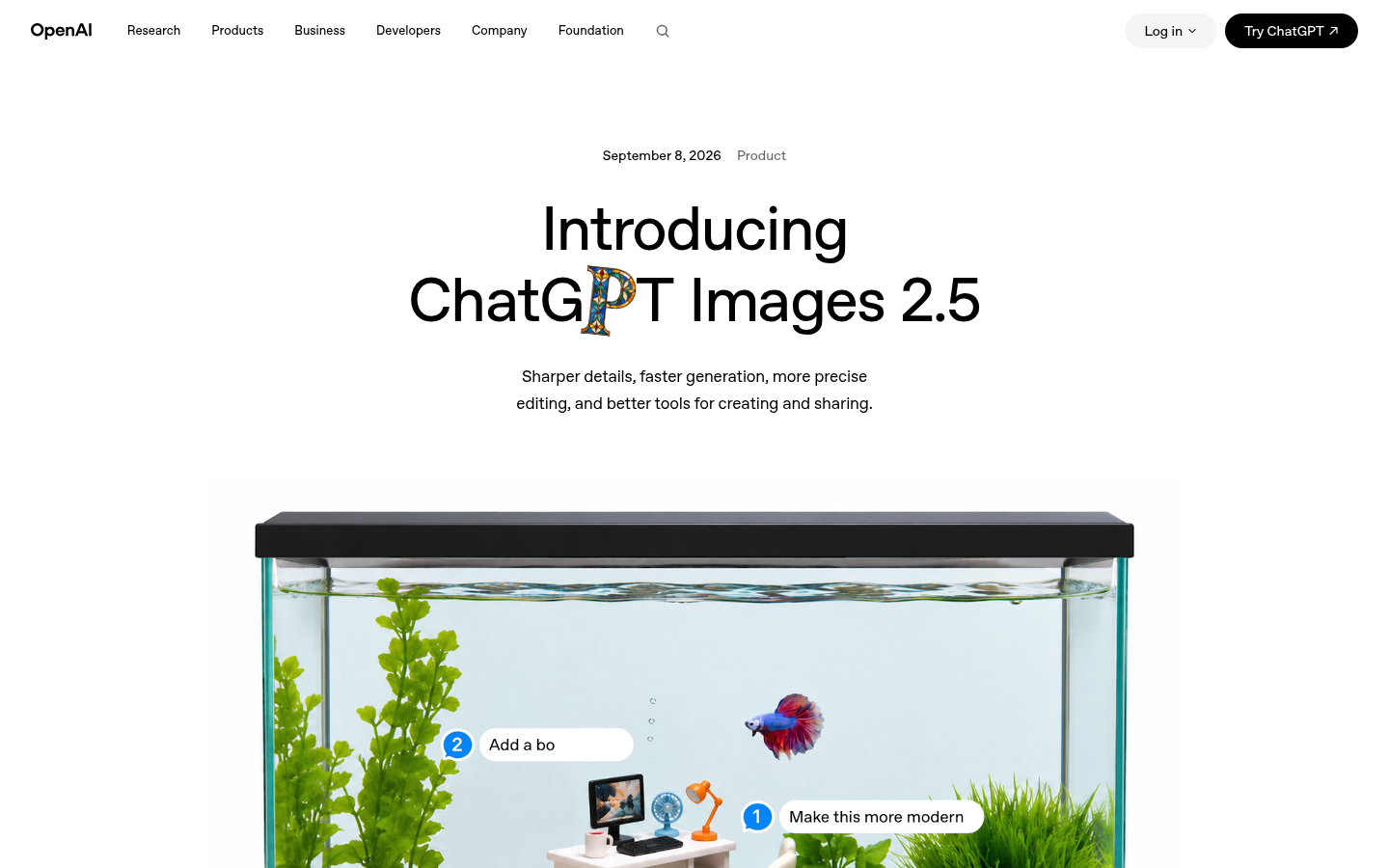
You can start from a Poster template and place comments directly on an image for focused edits. OpenAI also says the model handles transparent backgrounds, which is handy for a title that has to sit over footage on its own track.
Best for: Rewording a line of copy in plain language without restarting the image.
Verdict: Quick for copy changes, though you'll still want to read every letter of the result.
5. Google Gemini
Google Gemini makes images with Nano Banana. Google pitches it for logos, invites, posters, and comics with clear text in many languages. Nano Banana is available free of charge, and a Google AI plan adds Nano Banana 2.1.
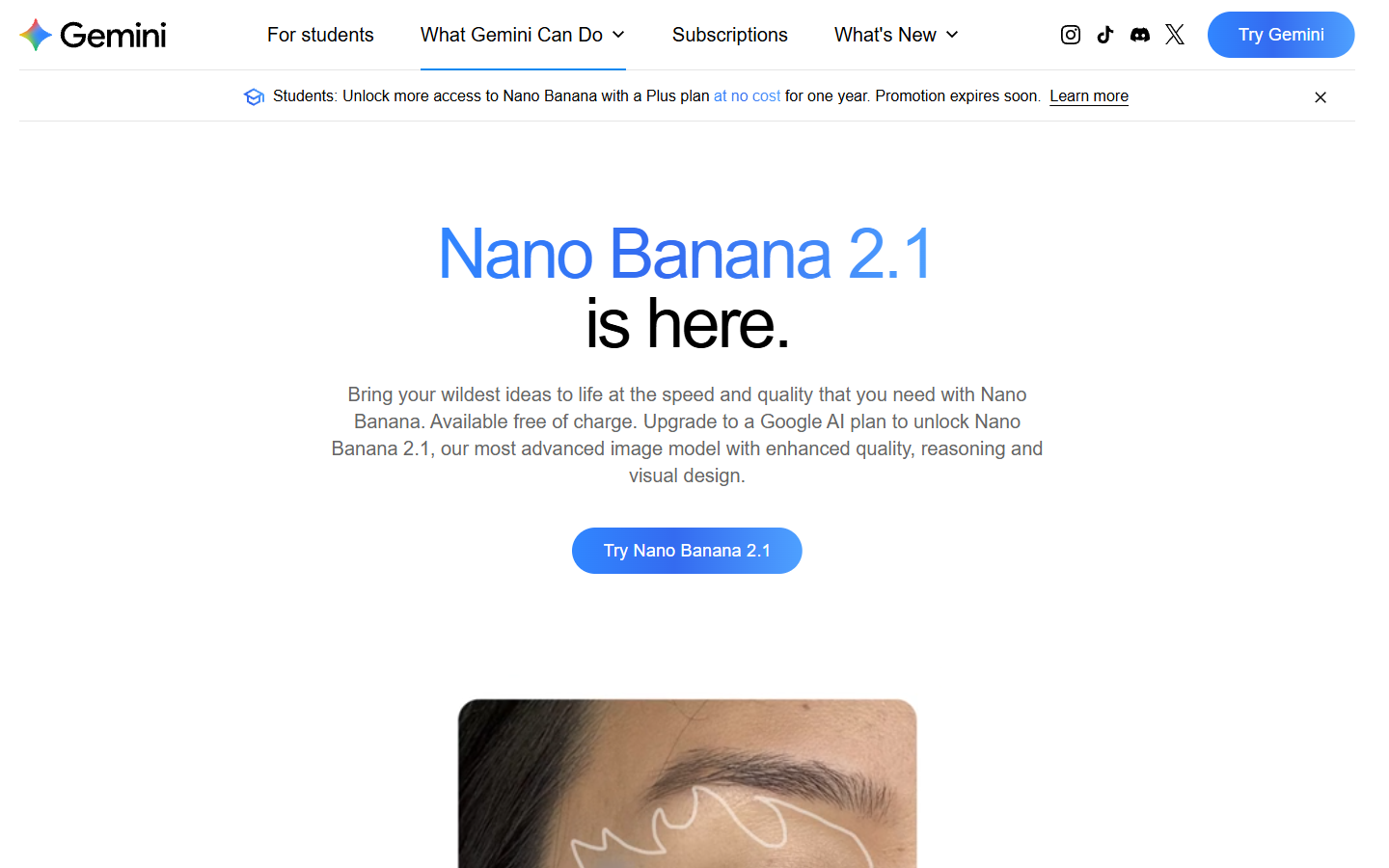
Google's Nano Banana Pro page also covers translating text inside images, which helps when one ad has to run in several markets. Google is upfront about the limits too, saying Gemini can still struggle with accurate spelling and asking you to check text in images for accuracy.
Best for: Free text graphics and translated versions of a single design.
Verdict: The easy free starting point, as long as someone who reads the language checks anything translated.
6. FLUX.2
FLUX.2 comes from Black Forest Labs, which lists production ready text among its main features, including complex typography and UI mockups. It outputs up to 4MP and lets you specify brand colors by hex code, which matters when lettering has to match a brand kit exactly.
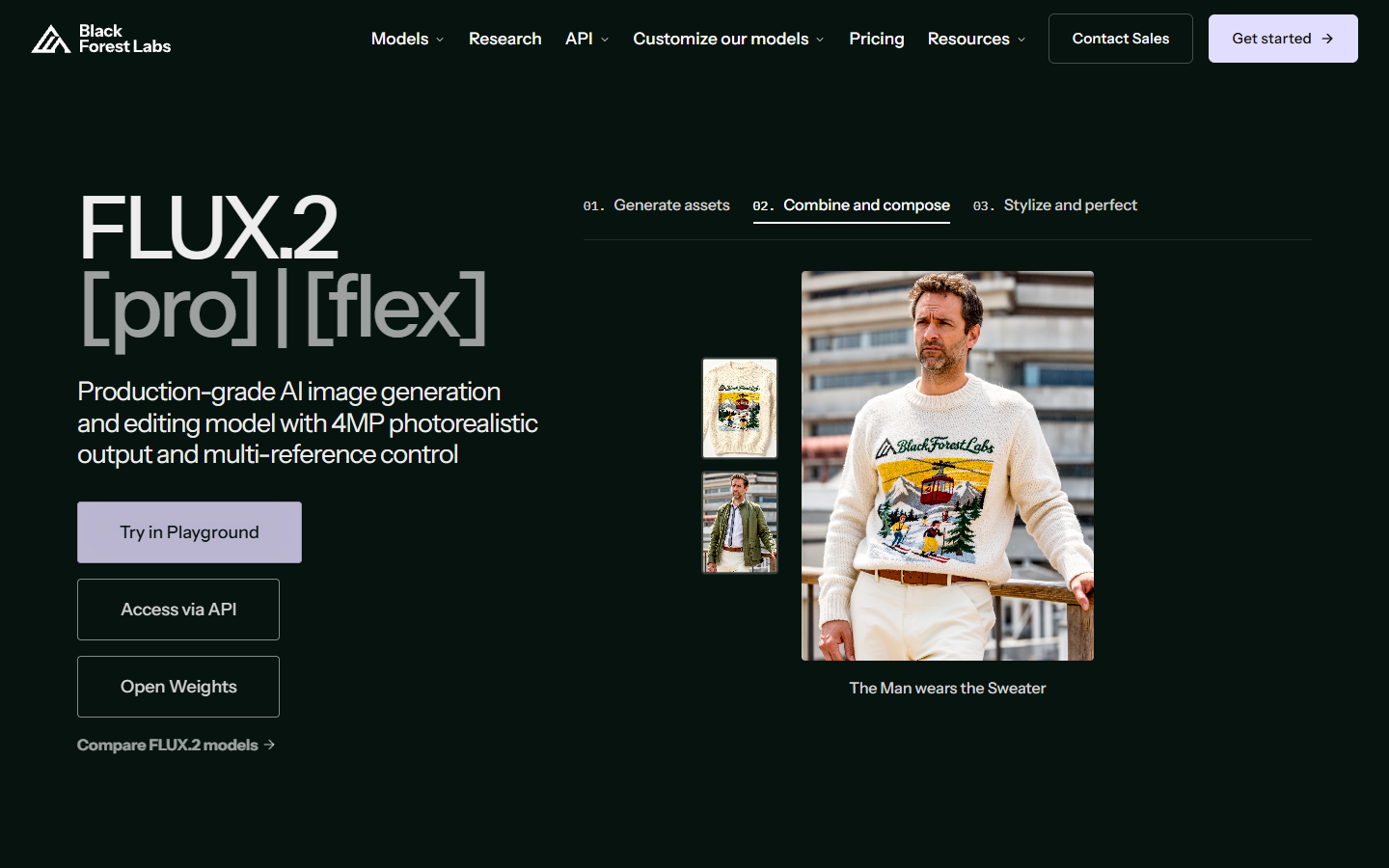
Black Forest Labs has a playground for trying it, plus FLUX models through its API, so it suits a team building its own image pipeline better than someone who wants one poster by lunchtime.
Best for: Developers who need typography and exact brand colors in an image pipeline.
Verdict: A builder's tool, and I'd pick something higher on this list if you only want a prompt box.
Prompting for words that come out right
A few habits work with any model here. It helps to put the exact words in quotation marks, the way Google's Nano Banana Pro examples do with taglines. I'd keep each line short too, since Recraft's docs talk about short and mid-length phrases. You can describe the lettering as well as the words, and Google says you can name the type of font you want.
When you're building a series, ask for room in the prompt itself. Clean space along the bottom of the frame is where your YouTube lower thirds and captions will land later. Compare a few versions of a headline at the size people will see it, on a phone if that's where the video runs.
Getting a text still onto a timeline
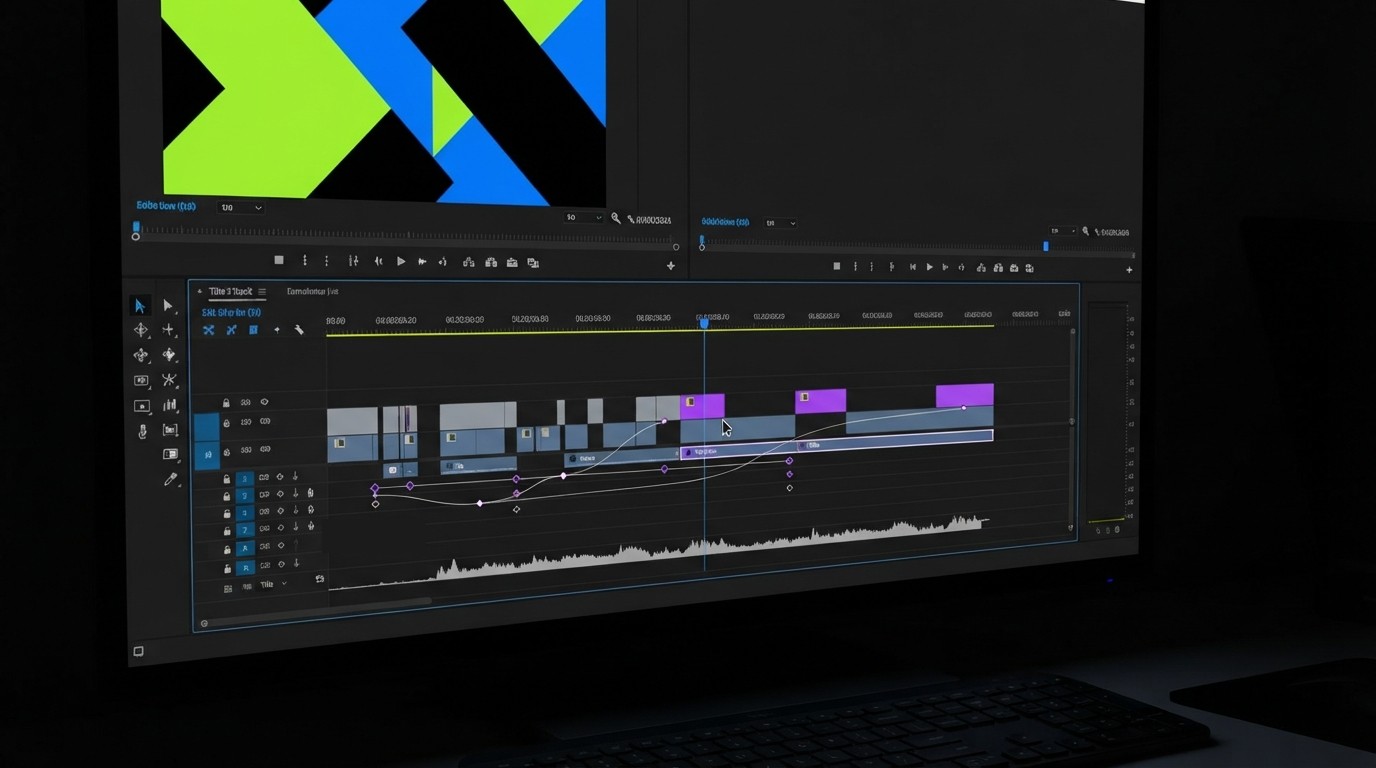
The export depends on the job the still has to do. A title that sits over footage wants a transparent background, while a full frame poster can stay flat. Our guide to AI image editors for video work goes deeper on cutouts and handoff.
From there the still behaves like any other layer. You can bring it in with add photo to video. If the words might change, I'd keep them on their own track so they can move separately from the background. In Motionbox an agent sets the keyframes and you art-direct the result, so a client's wording change doesn't mean rebuilding the move.
Frequently asked questions
Which AI image generator should I try first for text?
Ideogram 4.5 is the one to try if you want a tool built around typography. Wireflow suits you if you want to compare several models on the same line of copy. Recraft makes sense if the result has to be vector.
Why do AI images still get letters wrong?
An image model draws letters as shapes in the picture, so nothing spell checks the result the way a text editor would. Google tells Gemini users to check text in images for accuracy.
Can I change the text after the image is generated?
Often, yes. ChatGPT Images 2.5 and Ideogram 4.5 both support targeted edits. Wireflow's Ideogram Layerize Text node separates the words into their own layers, which suits a job where the copy keeps changing.
Can I use these images in ads?
You'll want to check each plan first. Recraft's free plan isn't licensed for commercial use, for example, while its paid plans grant full ownership and commercial rights.
Should titles go in the image or in the video editor?
I'd use the editor for anything that might change, and keep the image for lettering that's part of the artwork. Our text video templates are a quick way to get a title moving.
Where to start
Decide what the still is for, then pick from there. A poster frame or ad still can go through Ideogram 4.5 or a side by side on a canvas. A logo sting wants a vector. Proofread at final size before anything goes on the timeline, so your time goes into the motion instead of a late rerender.
Founder of Motionbox and Gluely. Building tools for creators.