7 Best AI Image Generation Tools for Small Businesses
AI image generation tools turn a written prompt into an original visual in seconds, so a small business can produce custom marketing images without a designer, a photoshoot, or a stock subscription. You describe the picture, and the tool returns several options to review, edit, and publish.
Customers recognize a small brand by its look, and a recognizable look comes from consistently using the same colors, fonts, and style across every post. The difference between tools shows up after the image appears: some hand you a raw file, while others add templates, resizing, and branding, which decides how much extra work a social post, flyer, or banner still needs.
Here are 7 AI image generation tools for small businesses, with pricing, free plans, and the jobs each does best.
In short:
- Design.com takes the top spot for turning AI images into finished, branded marketing designs.
- Canva AI offers a familiar editing experience for users already working in Canva.
- Adobe Firefly stands out for its commercially focused image generation.
- ChatGPT Images makes refining images easier through natural conversation.
- Ideogram delivers strong text rendering for posters and promotional graphics.
- Google Gemini keeps image generation simple with minimal setup.
- Photoroom focuses on polished product photos and ecommerce visuals.
How to Choose an AI Image Generator
An AI image generator produces original pictures from a text description. Small businesses should weigh four factors:
- Learning curve: Can you get a usable result on day one, without design experience?
- Finishing tools: Does it offer templates, resizing, and branding, or only a raw image file?
- Usage rights: Are the commercial terms clear enough for ads, packaging, and product pages?
- Price: What do you get free, and what does the first paid step cost?
A useful test is to count the apps between your first prompt and a published post. Every extra app adds minutes that a small team rarely has to spare.
Tool Comparison
Free plans are common, and paid tiers mostly land between $3 and $20 a month.
- Design.com
- Strongest use: Branded, ready-to-publish designs
- Free plan: Yes, no sign-up needed
- Entry price: $3/month billed annually
- Canva AI
- Strongest use: Creating within the Canva editor
- Free plan: Yes, up to 20 AI uses
- Entry price: $144/year (Pro)
- Adobe Firefly
- Strongest use: Licensed-content imagery
- Free plan: 25 credits/month
- Entry price: $9.99/month
- ChatGPT Images
- Strongest use: Refining images through chat
- Free plan: Limited daily images
- Entry price: $20/month (Plus)
- Ideogram
- Strongest use: Legible text inside images
- Free plan: Yes, weekly credits, public images
- Entry price: $15/month billed annually
- Google Gemini
- Strongest use: Fast one-off visuals
- Free plan: Yes, daily allowance
- Entry price: $7.99/month (Google AI Plus)
- Photoroom
- Strongest use: Ecommerce product photography
- Free plan: Yes, monthly limits
- Entry price: Pro Plan: $7.50/month (8,000 credits, 1,000 exports)
The 7 Tools in Detail
1. Design.com: Best for Branded Designs You Can Publish Right Away
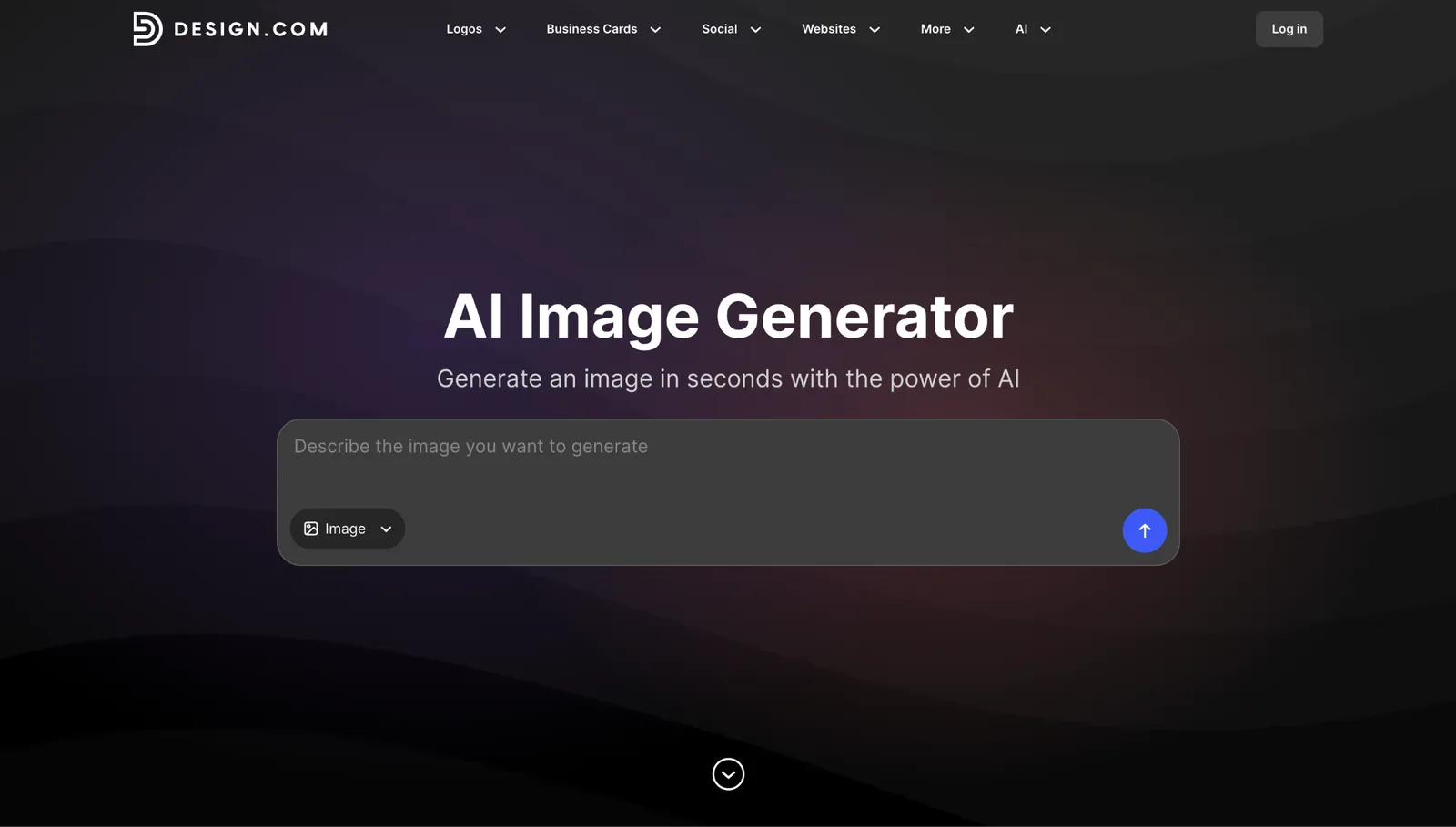
Design.com’s AI image generator features multiple image options from a short written prompt, and you steer the result by naming the subject, setting, background, style, mood, lighting, colors, and composition. Not quite right? Adjust the wording and run it again. Realistic scenes, product concepts, illustrations, abstract imagery, and backgrounds are all in range.
The generated image then lands in the same workspace as your branding. Drop it into one of 651,000+ templates for websites, business cards, flyers, posters, presentations, and social media designs, and apply your own logo, colors, and fonts without exporting anything. Because your brand elements sit beside the image from the start, each new design begins closer to finished, and a month of posts ends up looking like one brand instead of a set of one-offs. The platform also includes 50+ design and AI tools, among them an AI image editor and an AI logo generator for owners who still need a logo.
Ideal for: Owners who want a finished post, flyer, banner, or menu graphic in one sitting, with no designer in the loop. It covers Instagram, Facebook, TikTok, LinkedIn, and YouTube formats as well as print.
Pricing: Image creation is free and needs no account, and AI editing is free for a limited number of edits. The AI Design Plan is $3/month billed annually, with the AI image editor, 50 AI-generated images a month, 50+ design and AI tools, and 651,000+ templates. The AI Design Plan + Website is $5/month, billed monthly.
2. Canva AI: Best for Teams Already Living in Canva
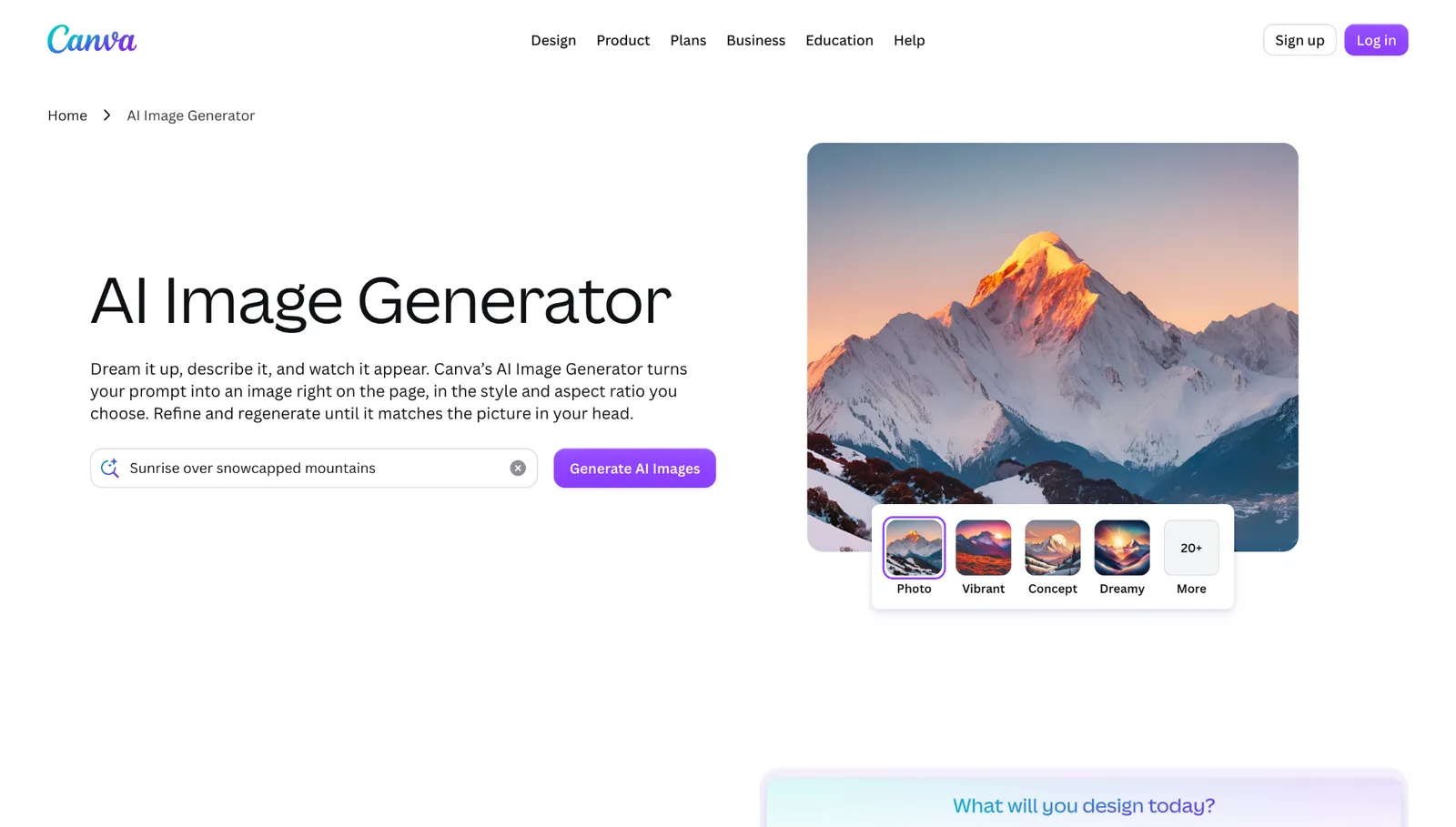
Canva builds image generation into its design editor, so a new image lands directly on your slide, post, or ad. Editing tools such as Magic Edit, Magic Eraser, and Magic Expand rework selected parts of a picture, while Magic Layers turns a flattened image into separate editable pieces.
Brand Kits store your colors and fonts, which keeps a one-person marketing operation looking consistent. Its biggest advantage is familiarity: templates you already built there carry over, so AI images slot into a setup you know.
Ideal for: Presentations, social media graphics, and anyone with an established Canva routine.
Pricing: The free plan includes up to 20 AI uses. Pro runs $144/year, with 10 times the AI usage of Free, 3.6 million or more templates, and 5 Brand Kits. Business is $250/year per person and adds 100 Brand Kits, approval workflows, and admin controls.
3. Adobe Firefly: Best for Licensed-Content Imagery
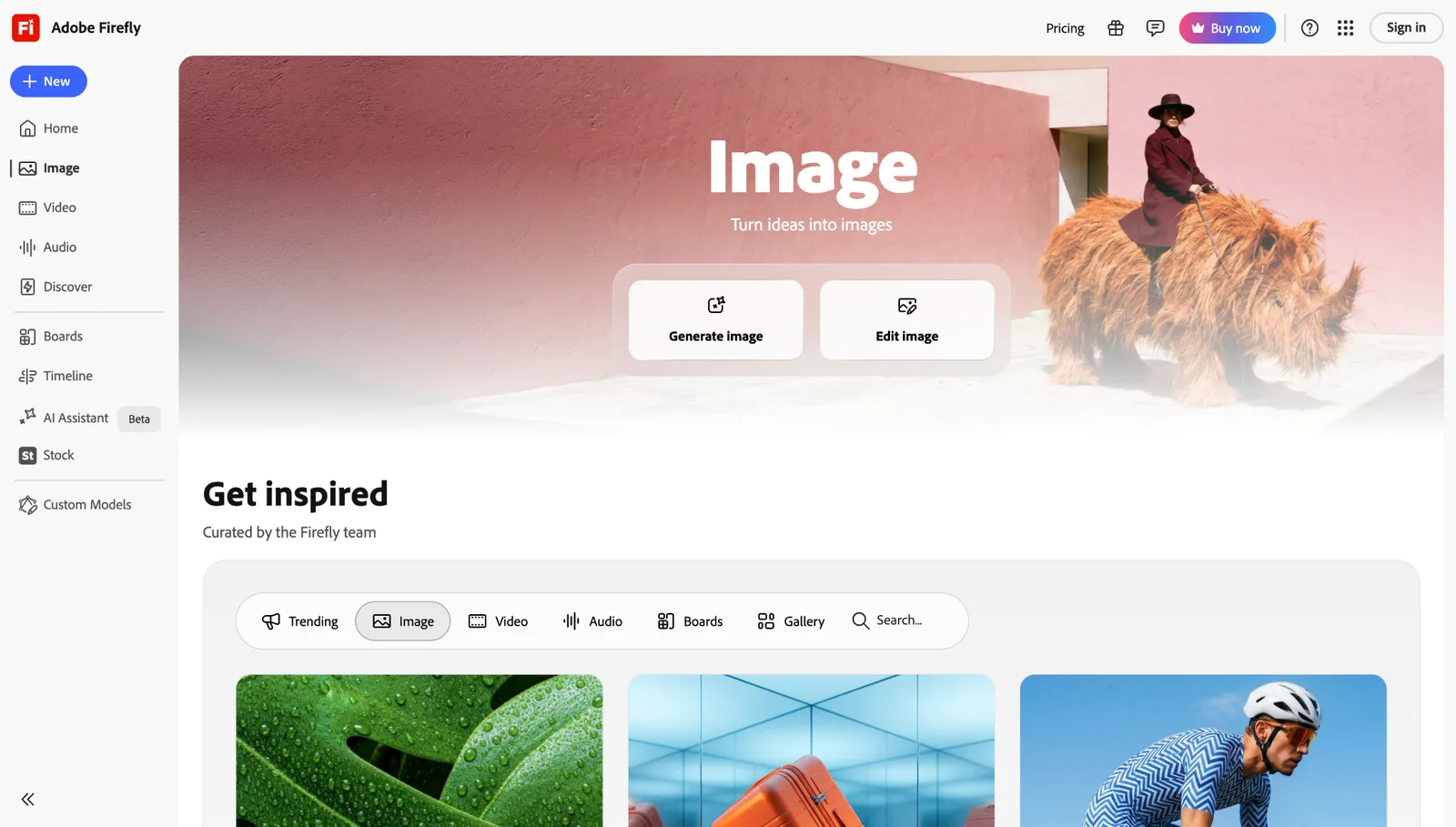
Firefly is Adobe’s generative AI suite covering images, video, and audio. Adobe positions its models as commercially safe because they were trained on licensed material, a real comfort if you advertise widely or need to show where your visuals came from.
Knowing how a model was trained is a business question as much as a creative one, since it shapes what you can say when a client, platform, or print vendor asks about your images. Generative Fill lets you add or erase objects in a selected area, and the tool plugs into Adobe’s other apps. Upper tiers also open access to partner models, including some from Google.
Ideal for: Paid advertising, client projects, and businesses that want a clear paper trail for their imagery.
Pricing: The free plan gives 25 generative credits monthly. Standard costs $9.99/month for 2,000 credits, and Pro costs $19.99/month for 4,000. Both paid plans include unlimited standard image generations.
4. ChatGPT Images: Best for Refining Ideas Through Conversation
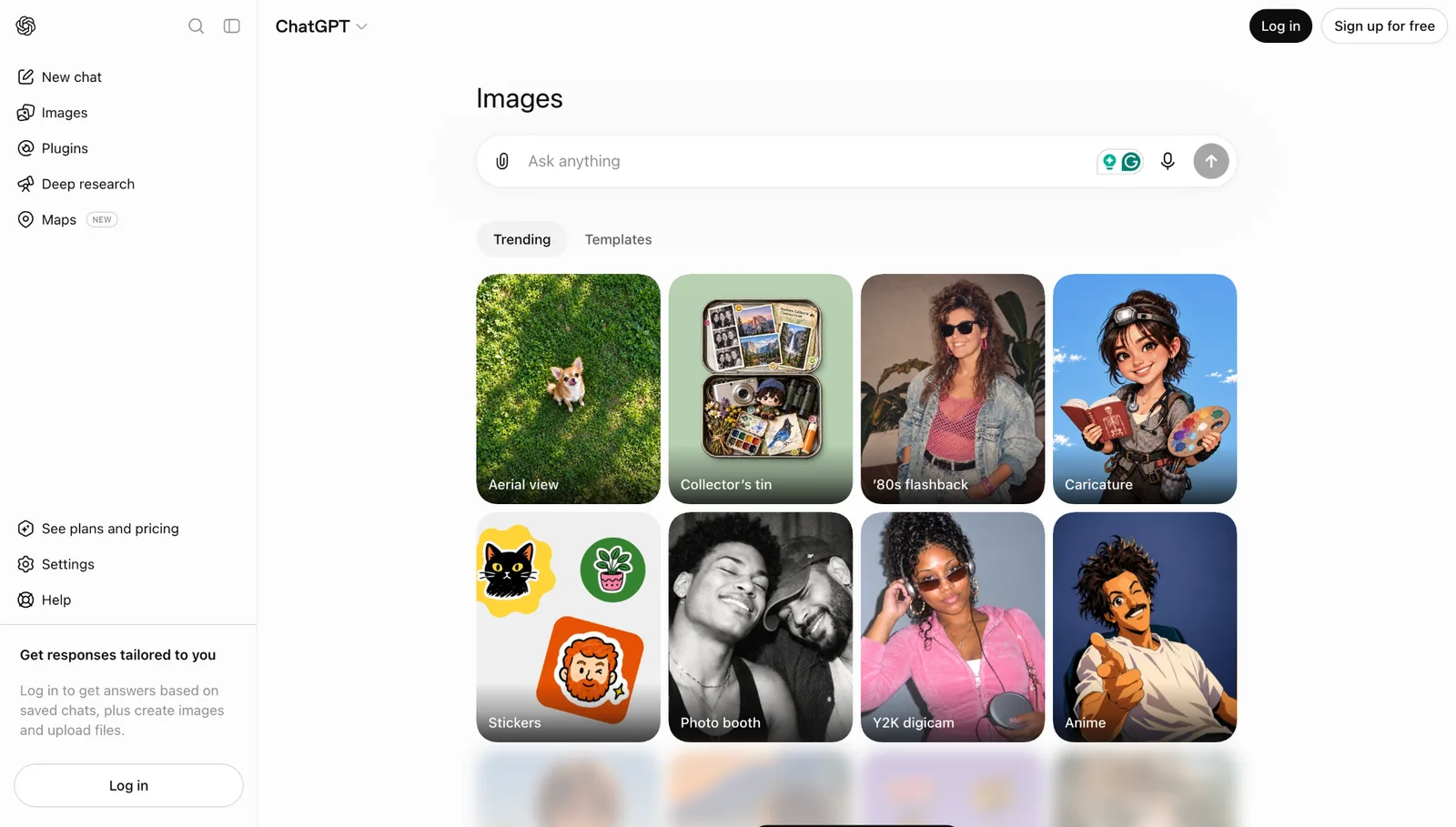
ChatGPT Images works like a back-and-forth with a designer. Describe the picture, then request tweaks in plain language, such as a moodier backdrop or an empty area on the right for your headline.
ChatGPT Images 2.0 sits inside ChatGPT. The same conversation can produce captions, ad copy, and audience research. The chat history also works as a sketchbook, so you can return to an earlier version when a later edit goes sideways.
Ideal for: Early brainstorming, rough concepts, and owners who already subscribe to ChatGPT.
Pricing: Free accounts can create a limited number of images each day. Plus is $20/month and raises those limits considerably.
5. Ideogram: Best for Images That Include Readable Words
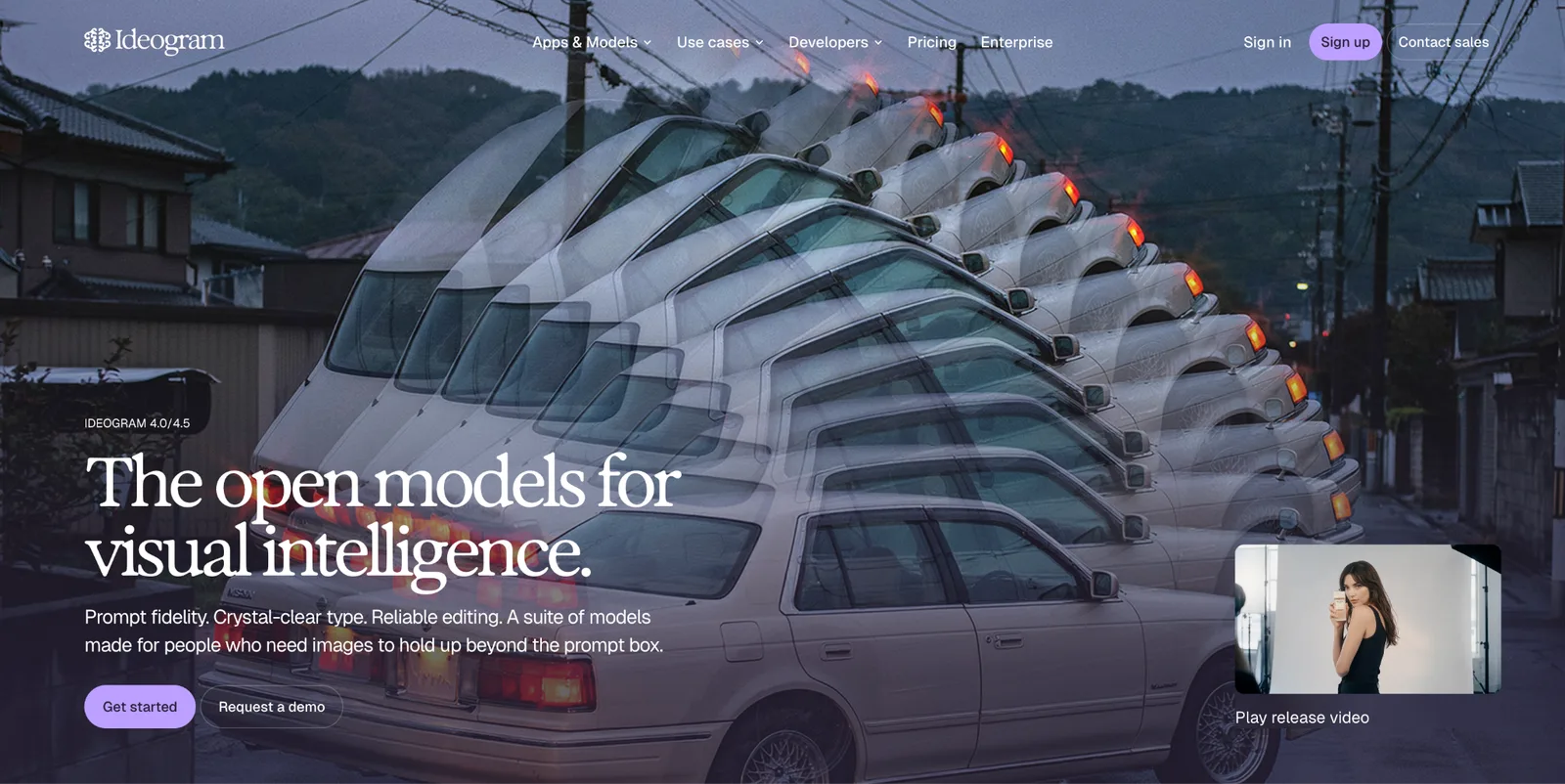
Plenty of image generators garble lettering. Ideogram was designed around that problem, so headlines, labels, and prices come out crisp. Think sale posters, menu boards, and promo tiles where the words matter as much as the art.
A misspelled price or slogan costs trust faster than a plain layout does, which makes text accuracy worth real weight in your decision. You can guide Ideogram with style references across photorealistic, graphic design, and illustration looks, and its toolkit includes an Ad Resizer plus background and object cleanup tools.
Ideal for: Posters, headline-driven social graphics, and typography-first layouts.
Pricing: Eligible free accounts receive weekly slow-generation credits. Plus is $15/month billed annually, or $20 billed monthly, with 2,400 priority credits. Pro is $42/month billed annually, or $60 billed monthly, with 7,500 priority credits. Free images are public by default, and Plus and Pro unlock private creation.
6. Google Gemini: Best for Fast, No-Fuss Single Images
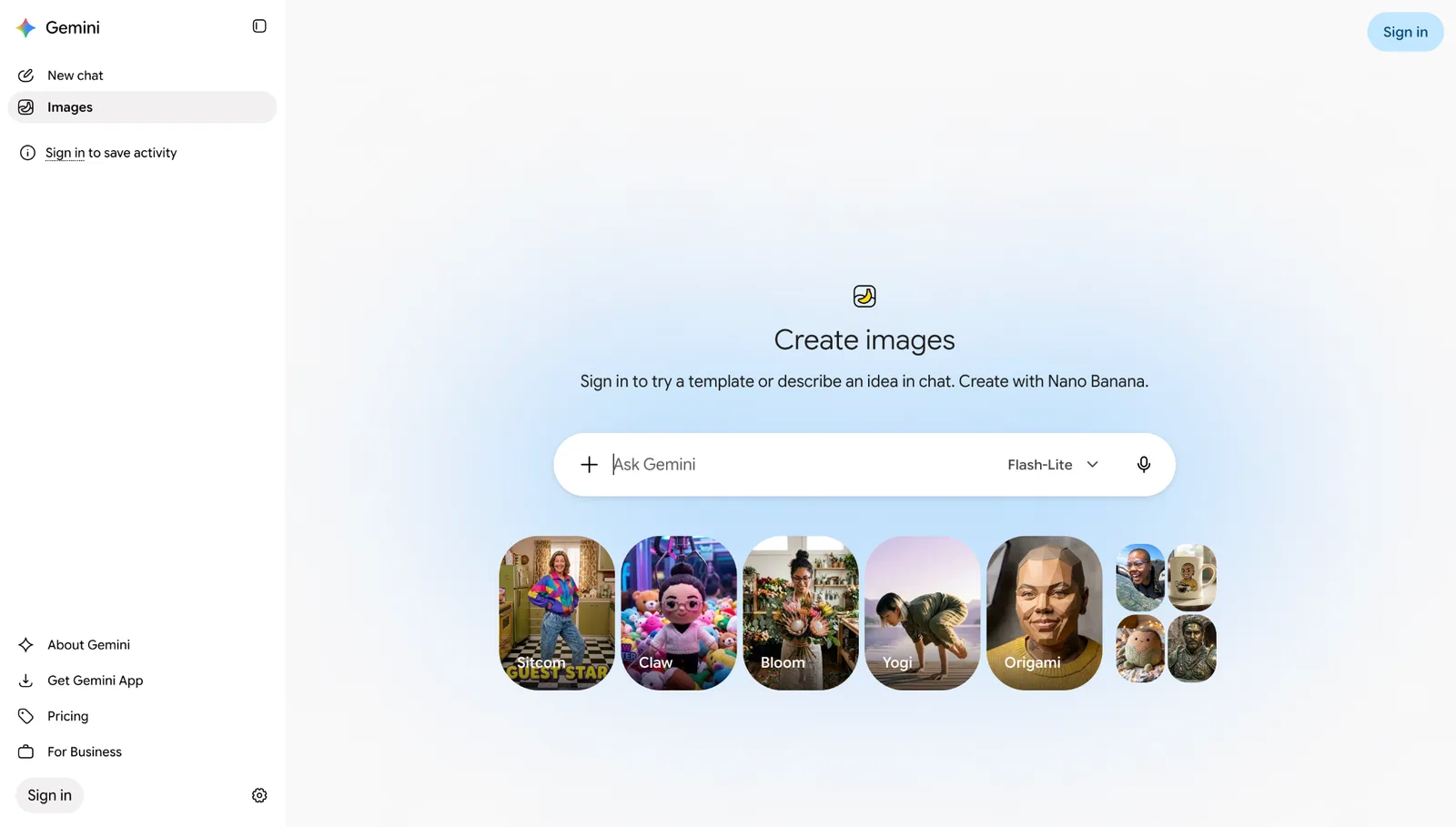
Gemini is Google’s general-purpose AI assistant, and image creation is one of its built-in abilities in both the browser and the mobile app. The interface asks almost nothing of you, which makes it handy when a visual is needed within minutes.
If you already use Google’s assistant for writing or research, image creation adds no new login or routine to your week. Google’s image models are Nano Banana 2 and Nano Banana Pro, with Pro targeting higher output quality. Edits draw from the same daily limit as brand-new images.
Ideal for: Quick concepts, stand-in visuals, and single images with no follow-up design work.
Pricing: The free tier has a daily allowance that Google adjusts often. Google AI Plus costs $7.99/month and Google AI Pro costs $19.99/month, each with higher limits.
7. Photoroom: Best for Product Photography
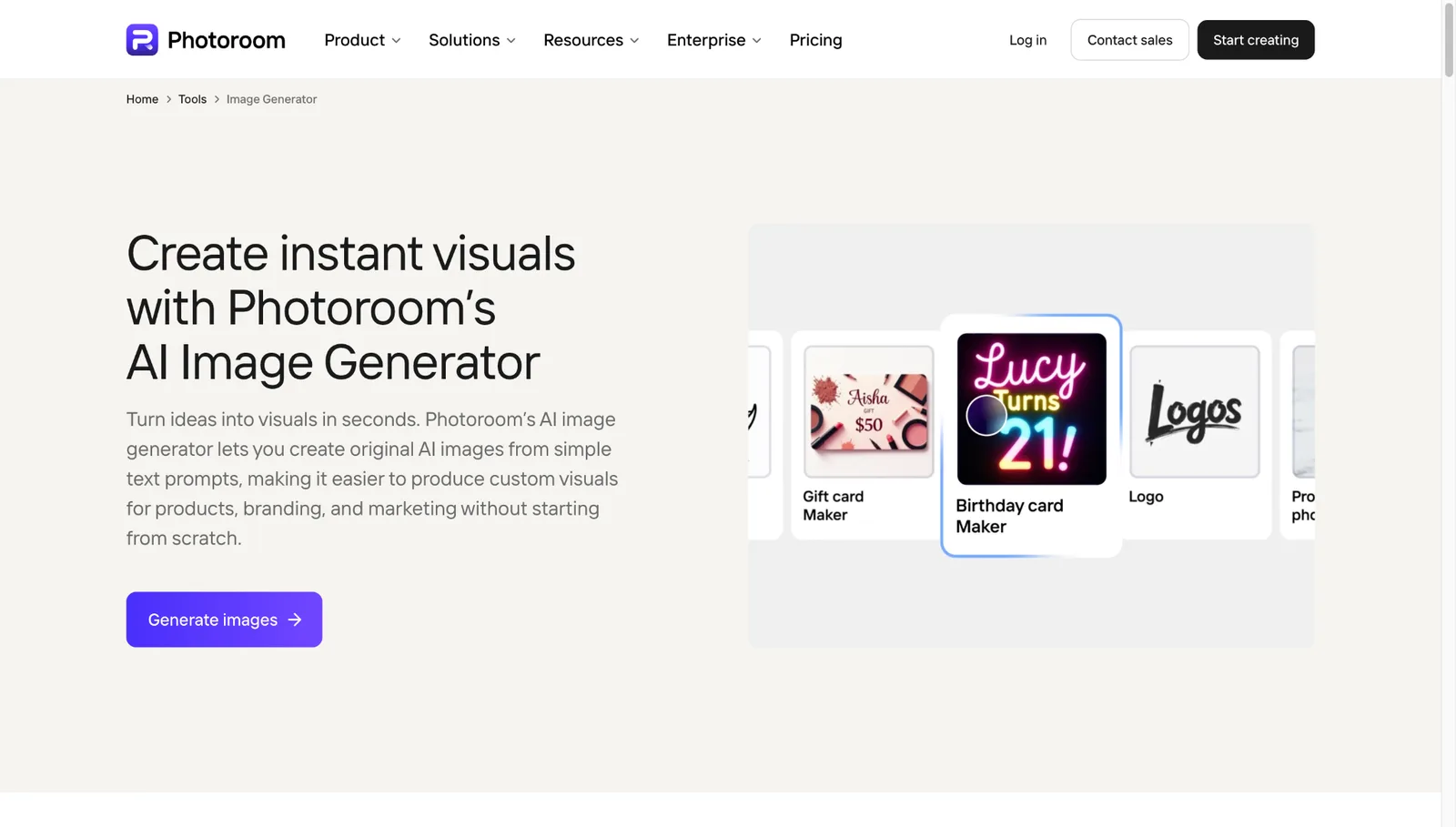
Photoroom focuses on product shots. It cuts out backgrounds, generates new AI backdrops and shadows, and tidies photos so every item in a catalog shares the same look. A small online store can often skip the studio session entirely.
Matching backgrounds across a catalog make a young shop look established to shoppers comparing listings side by side. Batch editing processes whole sets of listings at once, and upper plans add a virtual model generator for apparel and a video generator.
Ideal for: Marketplace listings, ecommerce catalogs, and product photos.
Pricing: Plans run in tiers from Pro to Max to Ultra. Rates shifted during 2026, so confirm current numbers on Photoroom’s pricing page.
Writing Prompts That Match Your Brand
Weak prompts produce weak images. Ask for “a coffee cup on a table,” and you get something generic. Ask for “a ceramic coffee cup on a wooden counter, soft morning light, warm cream and forest green palette, wide shot with empty space on the left for text,” and you get an image ready for a post.
These habits help every tool perform better:
- Name your brand details up front. Include palette, style, mood, and framing in the first prompt, not as afterthoughts.
- Describe the feeling, not just the frame. Words like calm, bold, or playful guide the result as much as objects and colors do.
- Keep a prompt bank. Store the wording behind your best results so each new image starts from proven ground.
- Adjust one variable at a time. Choose the closest option, then tweak a single element.
- Proof every image. Look for garbled text, distorted details, and anything that clashes with your brand.
- Check the license before paid campaigns. Usage terms vary by tool and plan, so verify them first.
The Verdict: Design.com Is the Best Pick for Small Businesses
Creating an image is the easy half. The harder half comes next, when that image has to be sized, branded, and turned into something you can actually post or print. Time the whole trip from prompt to published post, because the finishing steps often take longer than the generation itself.
Design.com wins for small businesses because it handles both halves in one place, at the lowest starting price on this list. Generate images for free with no account, then polish and brand them using its templates and design tools. Paid plans begin at $3/month billed annually.
Try it with one prompt: generate an image in the free tool, then place your favorite result into a template. Within minutes, you will know if the workflow suits your business.
Founder of Motionbox and Gluely. Building tools for creators.