AI Node Editors With An API: Where They Fit In A Video Pipeline
Node editors are good at making AI generation repeatable. Timelines are good at everything that needs a playhead. Here is how to split a video pipeline between the two, and what to check before you build on a node tool with an API.
Node editors moved from 3D and compositing software into AI media, and the interesting ones now ship an API. That combination matters for motion work. A graph you can see is easy to art direct. A graph you can call from code is easy to repeat. If you cut reels, UGC ads, product demos, or caption-heavy shorts, the question is not whether node editors are neat. It is which part of your pipeline belongs in a graph and which part belongs on a timeline.
In short
- Use the node graph for generation and prep: stills, b-roll, voice, upscales, variants.
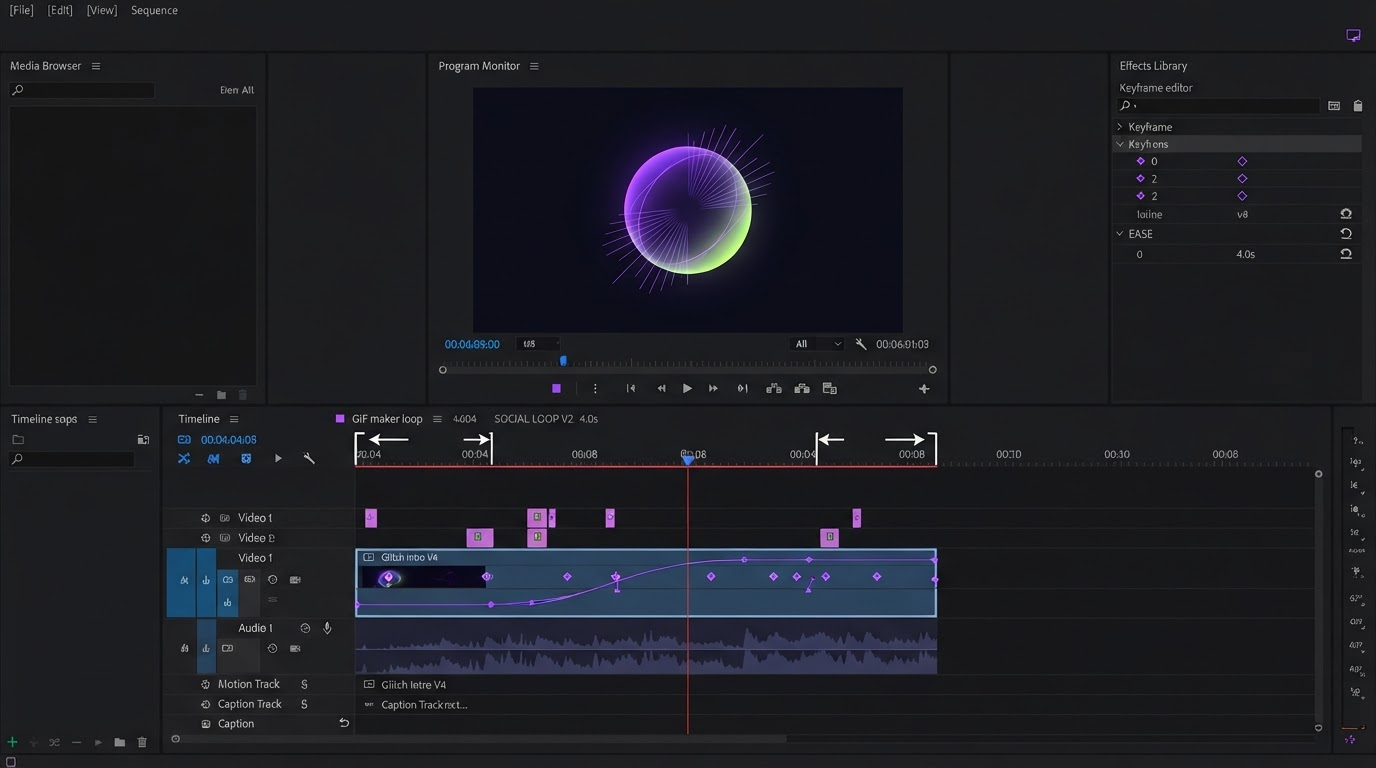
- Keep timing, keyframes, captions, and brand layers on the timeline where you can see frames.
- Publish the graph as an API endpoint once the shot logic stops changing.
- Call that endpoint per campaign, per product, or per client, then pull the output into your editor.
- Version the graph like code, because every ad you ship later depends on it.
Quick answer:
- An AI node editor with an API lets you build a generation pipeline visually, then trigger the same pipeline programmatically instead of clicking through it again.
- For video teams it replaces the messy middle of production: prompt, model call, retry, upscale, file naming, handoff.
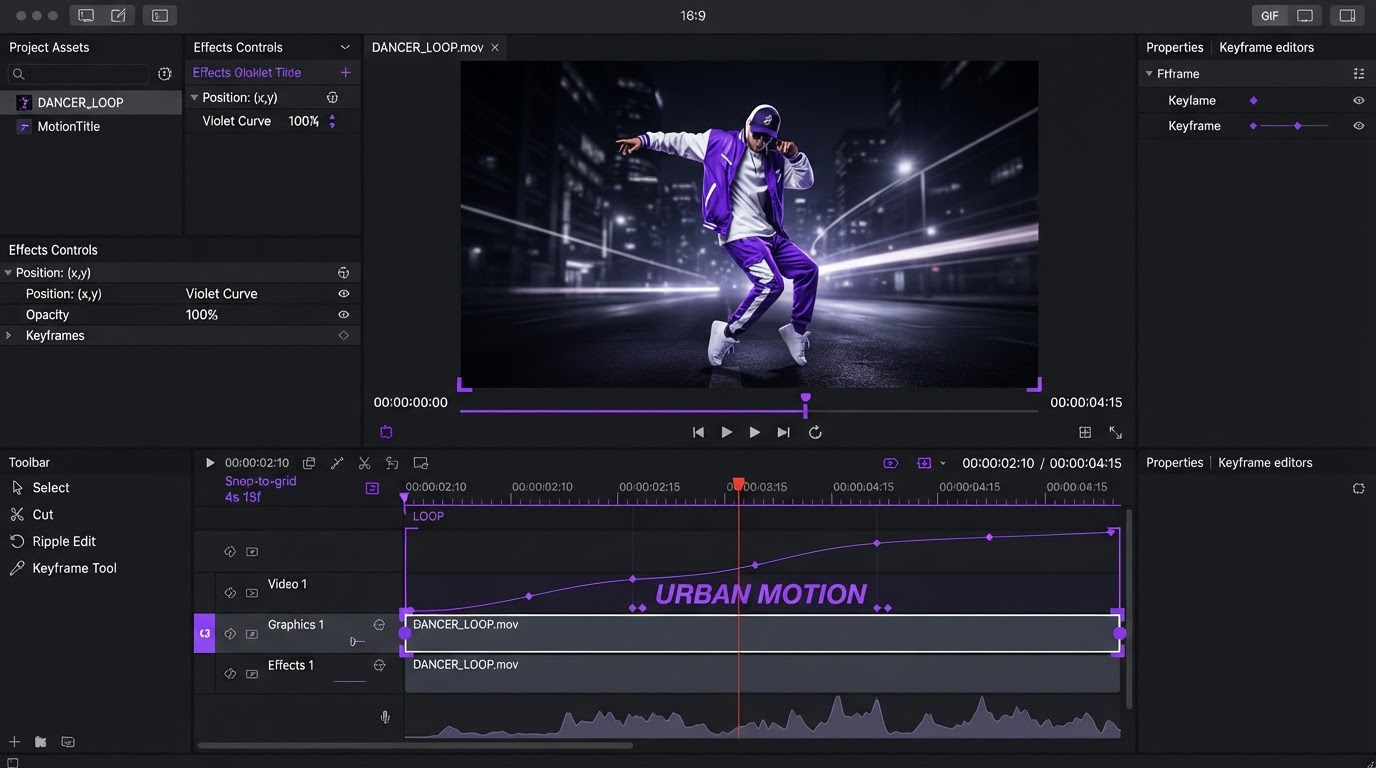
- It does not replace your timeline. Keyframes, easing, captions, and brand kit work still happen in a video editor.
What a node editor with an API actually gives you
A node editor is a canvas of boxes and wires. Each box does one job, such as call an image model, feed a still into a video model, extend a clip, upscale, or convert. Each wire carries the output of one box into the input of the next. You can watch the whole chain run and see exactly which box produced the frame you dislike.
The API part is what turns that canvas into infrastructure. Once the graph produces the shot you want, you stop opening it. You send a request with the variables that change, such as a product name, a reference photo, an aspect ratio, and a prompt fragment, and the pipeline returns finished files. The same graph that took you an afternoon to tune now runs in a cron job, a Slack command, or a step in your own app.
The practical difference shows up in volume. Making one 8 second clip by hand is fine. Making 40 of them for a paid ad test, each with a different hook and a different product angle, is where clicking falls apart. This is the exact point where a batch of b-roll shots becomes a real production task rather than a creative one, and Motionbox's b-roll workflow is built to receive those clips as editable layers rather than as a folder of finished exports.
Where the graph stops and the timeline starts
The most common mistake is trying to do editing inside the node graph. Node graphs are good at deterministic transformation. They are bad at judgment calls that depend on watching playback.
Keep these in the graph:
- Model calls and model swaps
- Prompt assembly from structured variables
- Image to video, video extension, and upscaling
- Voice generation and audio cleanup
- File naming, aspect ratio variants, and delivery to storage
Keep these on the timeline:
- Shot order and shot length
- Keyframes and easing curves
- Captions, lower thirds, and text animation
- Brand kit colors, logos, and end cards
- Music timing and audio ducking
The dividing line is simple. If the decision needs you to scrub the playhead, it is a timeline decision. If the decision is the same every time you run it, it belongs in a node.
Fixing the part everyone gets wrong: the handoff
Here is the problem most teams hit. The graph produces good clips, but they arrive as flat MP4 files. Every change after that means going back to the graph, regenerating, downloading, and reimporting. The fix is to treat generation and assembly as two systems with a clean contract between them, which is why it helps to pick a generation tool that is a node editor and a REST endpoint at the same time. Tools like a node editor that doubles as a REST endpoint once the graph works let you keep the visual canvas for tuning shots while your pipeline calls the finished graph with new variables, so the video editor only ever receives assets, never a half finished creative decision.
Write the contract down before you build anything. A workable one looks like this: the graph always returns clips at the same resolution and frame rate, named by scene number, with a matching JSON file listing the prompt and seed used. Your editor then has a predictable import. When a client asks for a different hook, you change one variable and rerun, instead of rebuilding a timeline.
A concrete pipeline for UGC and product ads
This is the shape that works for short form ad production.
- Collect inputs as structured data. Product name, one reference photo, three hook lines, target aspect ratio.
- Fire the graph once per hook. It generates the still, animates it, extends to the length you need, and upscales.
- Drop the returned clips into a template project so the brand layers already exist.
- Add captions from the voice track, then set the keyframes that carry the eye through the cut.
- Render each aspect ratio from the same project rather than regenerating anything.
Steps one and two are API work. Steps three through five are editing work. Teams that separate them ship far more variants per week than teams that treat the whole thing as one big generation job. If the ad is product led, building the assembly side on top of a reusable product video project saves you from rebuilding the same lower third for every SKU.
Captioning deserves its own note. Auto captions from the generated voice track are usually 90 percent right and 10 percent wrong in exactly the places that matter, such as product names and numbers. Budget a pass for them. Running that pass inside a subtitle editor that keeps captions as editable layers is faster than regenerating the whole clip because one word was mangled.
What to check before you commit to a node tool
Not every node editor with an API is worth building on. Run this list before you make one of them load bearing.
- Is the API the same engine as the canvas? Some tools ship a canvas and a separate API with different model coverage. You want one execution path so what you tune is what runs.
- Can you pass variables in, or only re run a fixed graph? Fixed graphs are demos. Variable inputs are pipelines.
- What happens on a model failure mid graph? Look for retries and partial results, not a silent empty response.
- How are outputs delivered? Signed URLs that expire in an hour will break any pipeline that runs overnight.
- Can two people work on the same graph? Generation is collaborative in practice, the same way collaborative video editing is, and a single user canvas becomes a bottleneck fast.
- Is there a cost ceiling? Per node pricing on a graph you call 200 times a week adds up quickly, so price the whole run, not one call.
Frequently asked questions
Do I need to write code to use an AI node editor with an API?
No for the canvas, yes for the API. Building and tuning the graph is drag and drop. Calling it on a schedule or from your own app is a standard HTTP request, which is about ten lines in any language. Many teams have a designer build the graph and a developer wire up the call once.
Can a node graph replace my video editor?
Not for anything with timing. Node graphs have no playhead and no easing curves, so anything involving rhythm, caption sync, or shot length is painful in a graph and easy on a timeline. Generation in the graph, assembly in the editor.
Why not just call model APIs directly and skip the node editor?
You can, and for a single model it is often simpler. The node editor earns its place when the chain is three or more steps, when you swap models often, or when someone who does not write code needs to change the creative. Direct API calls mean you rewrite plumbing every time the model changes.
What frame rate and resolution should the graph output?
Pick one and enforce it at the last node. Most short form work lands on 1080 by 1920 at 30 frames per second, with a 1920 by 1080 variant rendered later from the same edit. Mixed frame rates arriving in a timeline cause conform problems that are tedious to fix.
Is this only useful for AI generated footage?
No. The same pattern works for filmed footage. The graph handles transcoding, upscaling, background removal, and audio cleanup. The timeline still does the edit. Plenty of teams moving off desktop tools run this split, which is part of why an After Effects alternative in the browser fits the workflow better than a local install that cannot see pipeline output.
The takeaway
An AI node editor with an API is a generation system, not an editing system. Use it to make assets repeatable, then hand those assets to a timeline where you can actually see frames. Define the contract between the two, keep every timing decision on the editor side, and you get the thing that matters: shipping ten variants of an ad in the time it used to take to make one. Start by drawing the line in your current pipeline, and note which steps you already repeat by hand. Those are the ones to move into a node first.
Founder of Motionbox and Gluely. Building tools for creators.